

Gigabyte MO27U2: Two-Minute Review
We’ve seen many glitzy gaming monitors over the past few years, so it’s almost refreshing to see a premium model that eschews all the in-your-face RGB lighting and pointy bits for a more sober option that better suits a mixed work-and-play environment.
But is the Gigabyte MO27U2 actually worth buying?
It’s a tandem QD-OLED screen with a multi-layer OLED structure that boosts brightness and efficiency, while Gigabyte’s OLED Care features help reduce burn-in risk. Its latest-gen sub-pixel technology fends off the spidery text that blighted predecessors, and this, plus the high resolution, high-pixel-density, reflection-reducing, glossy coating, means it’s also very good for work: multiple windows can be comfortably used at once and large spreadsheets can be more easily viewed.
When it came to multimedia, the QD-OLED’s penchant for color vibrancy and contrast quickly came to the fore, but there were some issues.
Despite a huge number of image-tinkering options in the on-screen display (OSD) menu, finding a perfect balance of HDR contrast and image clarity proved trying. No matter what I did, highlights would blow out noticeably in bright areas while patchy image aberrations often blighted content. I haven’t seen image-processing issues like that for a while.
Switching color spaces and preset modes often felt like installing a too-small carpet: shifting in one direction might smooth out some color issues but introduce horrendous blocky artifacts to gradients. It’s not altogether terrible, but I expect better from a premium gaming monitor.
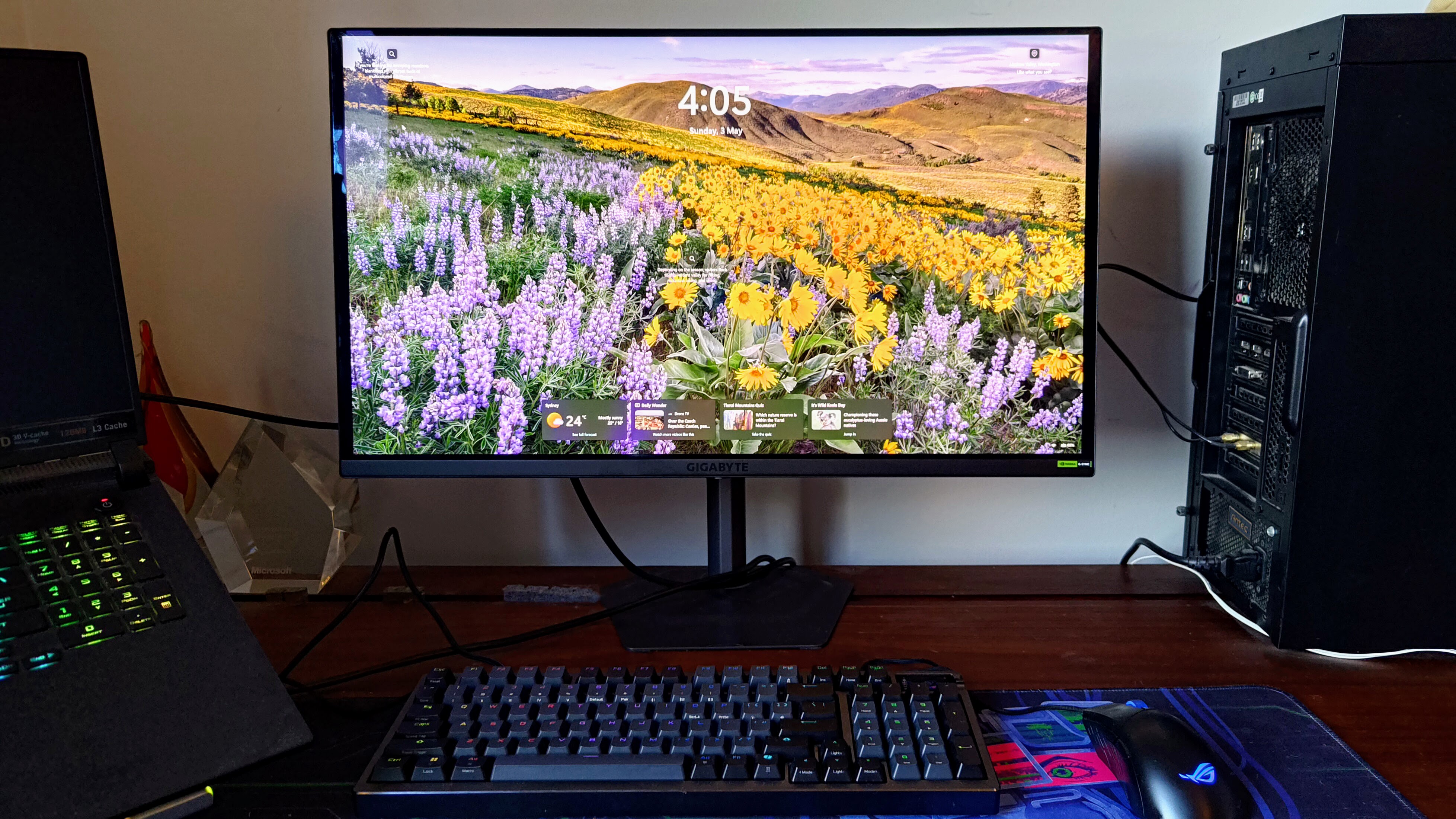
The 240Hz refresh rate keeps rapidly moving objects practically blur-free, with G-Sync helping prevent image tearing.
Motion clarity is supposedly enhanced by Gigabyte’s ‘Ultra Clear’ technology, but the setting was grayed out no matter what settings I adjusted. Indeed, fighting with settings became a regular annoyance: while some changes provided instantaneous results, others would see the monitor essentially reset and potentially require a full Windows reconfiguration. A firmware upgrade made no difference.
The new Gigabyte Control Center app also felt like a broken mess. It struggled to identify the monitor, offered fewer options than the OSD and didn’t automatically sync with them. While you might not change settings regularly, you won’t want to tinker with this too much.
Beyond the 4K QD-OLED screen, the MO27U2 hangs its hat on its gaming enhancements. The OLED variable refresh rate (VRR) anti-flicker feature will appeal to console gamers keen to reduce flicker when variable refresh rates are in play. The ‘Tactical Switch’ button quickly drops the display size down to a 24-inch mode and switches the aspect ratio to 4:3 or 5:4 to suit particularly persnickety competitive first-person shooter (FPS) players.
There’s an all-green-screen night-vision feature, an Eagle Eye sniper-zoom window plus the usual on-screen crosshairs and contrast-busting Black Equalizer features to stop enemies from jumping out of shadows. Some feel gimmicky, but they’ll appeal to niche audiences.
Another core feature is Gigabyte’s multifaceted anti-burn-in technology, backed by a three-year warranty, which potentially provides additional peace of mind.
Ultimately, though, the MO27U2 is priced as a premium gaming monitor but misses the mark in just too many areas. There are better options for similar money.
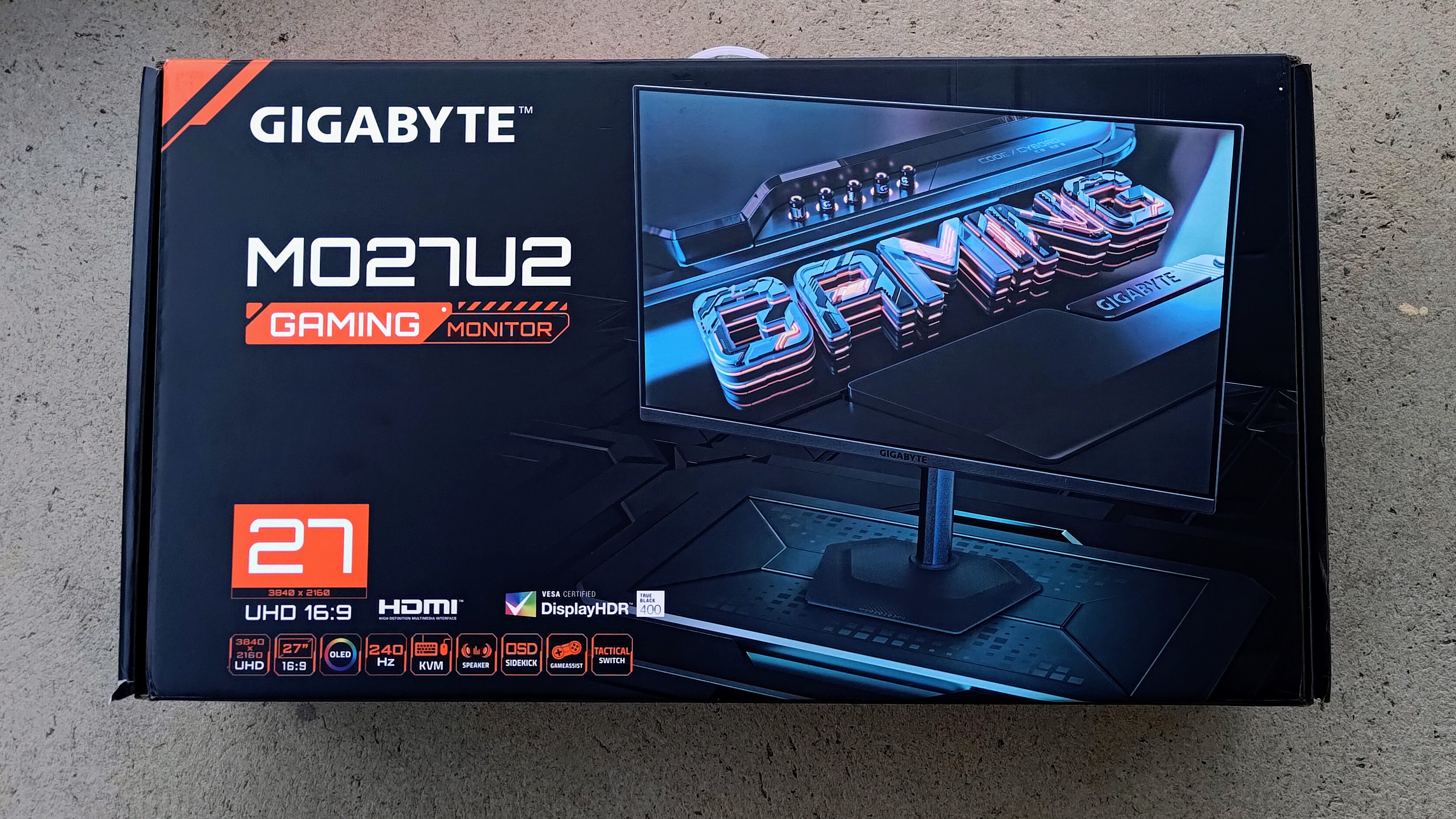
Gigabyte MO27U2: Price & availability
- How much does it cost? $650 / £539 / AU$1,499
- When is it available? It’s out now in most regions
- Where can you get it? Available in the US, UK, Australia and elsewhere
Gigabyte’s MO27U2 is available at significantly different price points all over the world, yet it’s expensive everywhere.
It’s worth comparing it with other premium UHD, 240Hz QD-OLED monitors in your region as it’s likely you’ll find a better deal, especially in Australia where the price is significantly higher, for some reason.
- Value: 3 / 5
Gigabyte MO27U2: Specs
Screen size | 27-inch |
Aspect ratio | 16:9 |
Resolution | 3,840 x 2,160 |
Brightness | 250 nits typical SDR; 1,000 nits peak HDR at 3% average picture level |
Refresh rate | 240Hz |
Response time | 0.03ms GTG |
Viewing angle | 178°(H)/178°(V) |
Contrast ratio | 1,500,000:1 |
Color coverage | 99% DCI-P3 |
Inputs | 1x DisplayPort 1.4, 2x HDMI 2.1, 1x USB-C (18W power delivery), 2x USB-A 3.2 Gen 1, 1x USB-B, 1x 3.5mm audio jack |
Weight | 7.1kg (15.7lb) |
Gigabyte MO27U2: Design
- Sober, work-friendly design
- Good connectivity
- Excellent gaming features
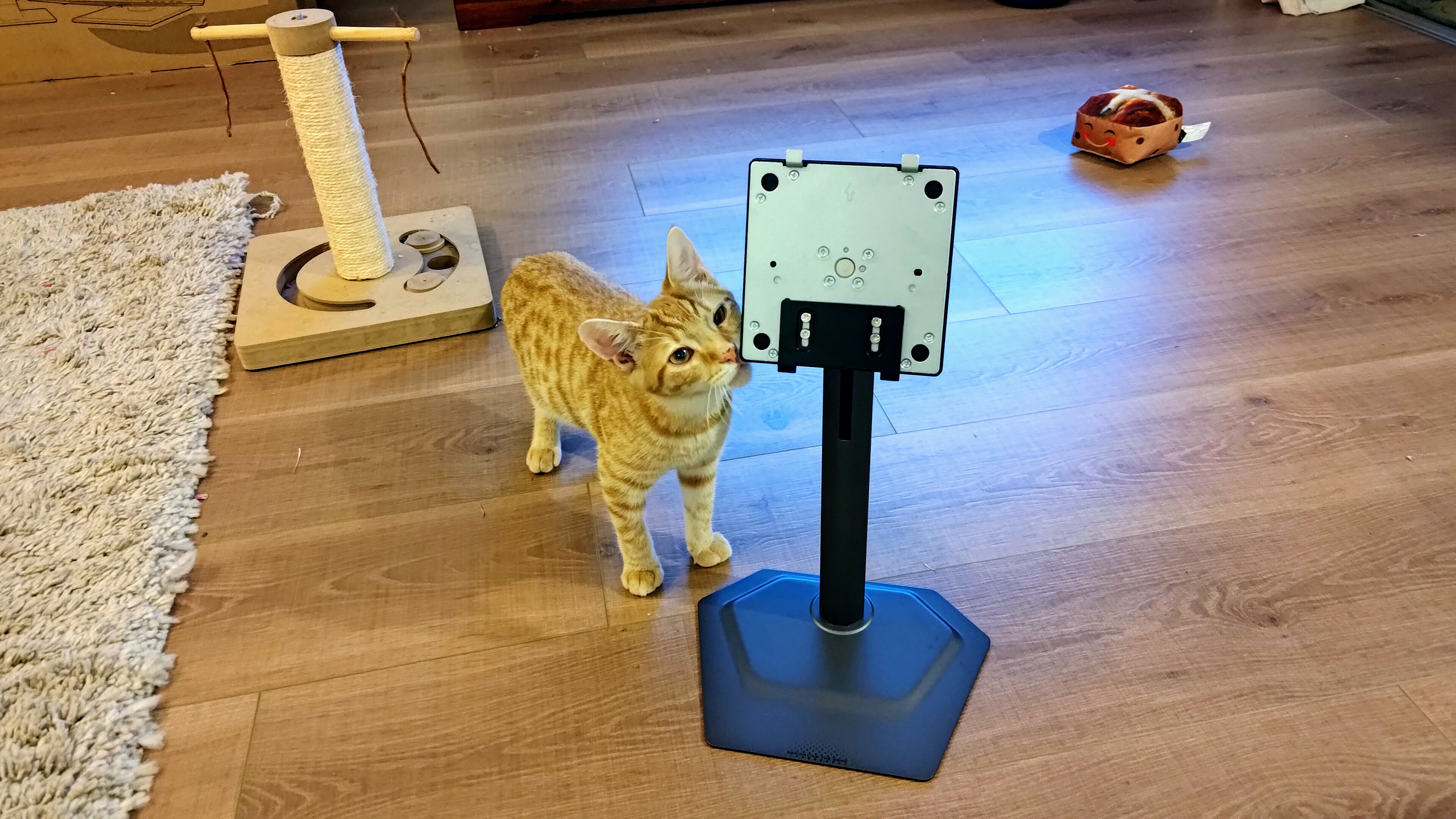
The Gigabyte MO27U2 has a thin yet robust glass screen that’s supported by a (refreshingly small) sturdy base. It’s simple to assemble owing to the stem clipping onto the back of the screen and screwing onto the base with a single thumbscrew.
The stem affords plenty of adjustment: there’s -5° to +21° of tilt, -15° to +15° of swivel, 90° of counterclockwise pivot and a generous 130mm (5.1in) of height adjustment. Its small footprint means competitive gamers can get right up close to it.
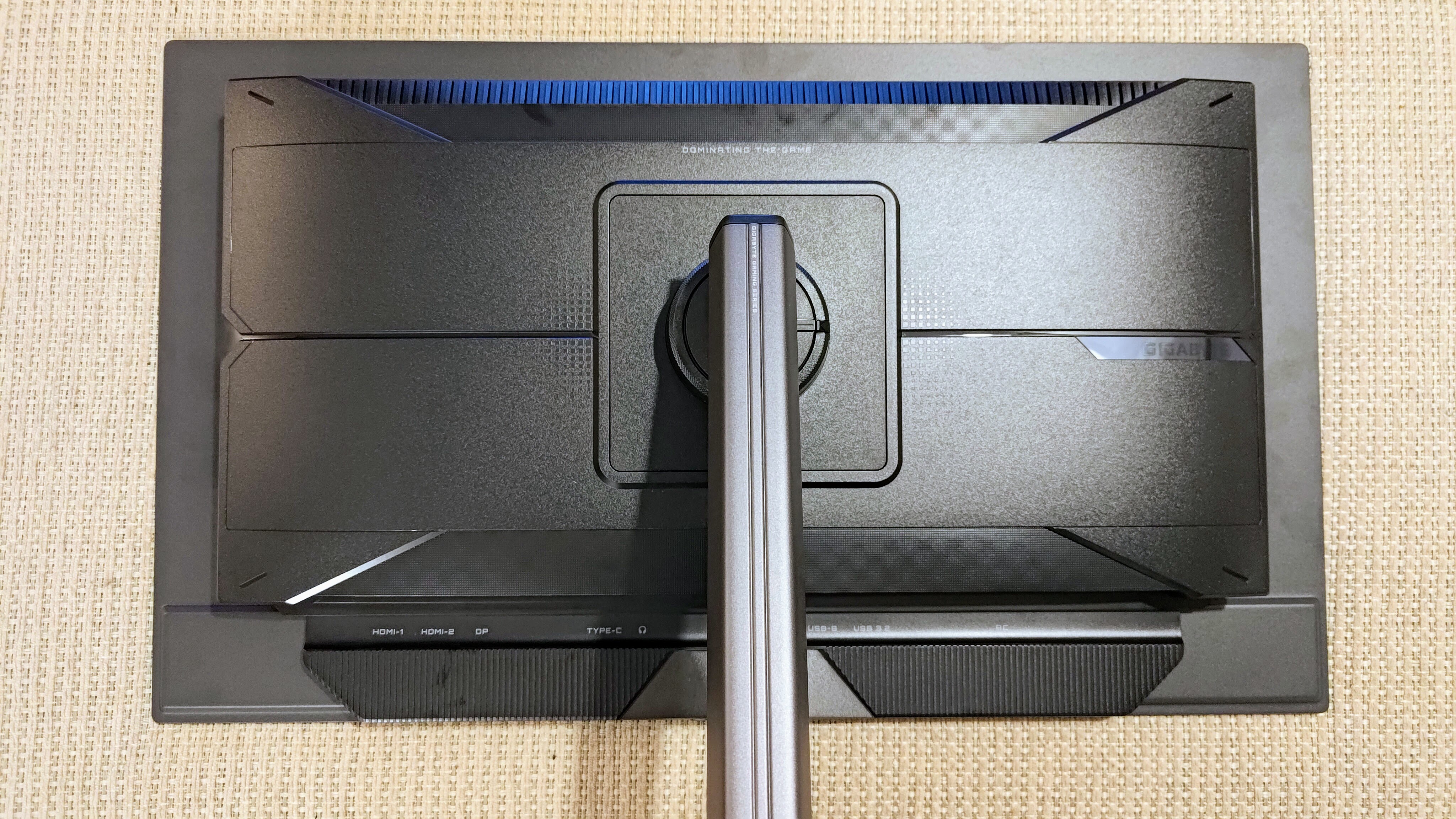
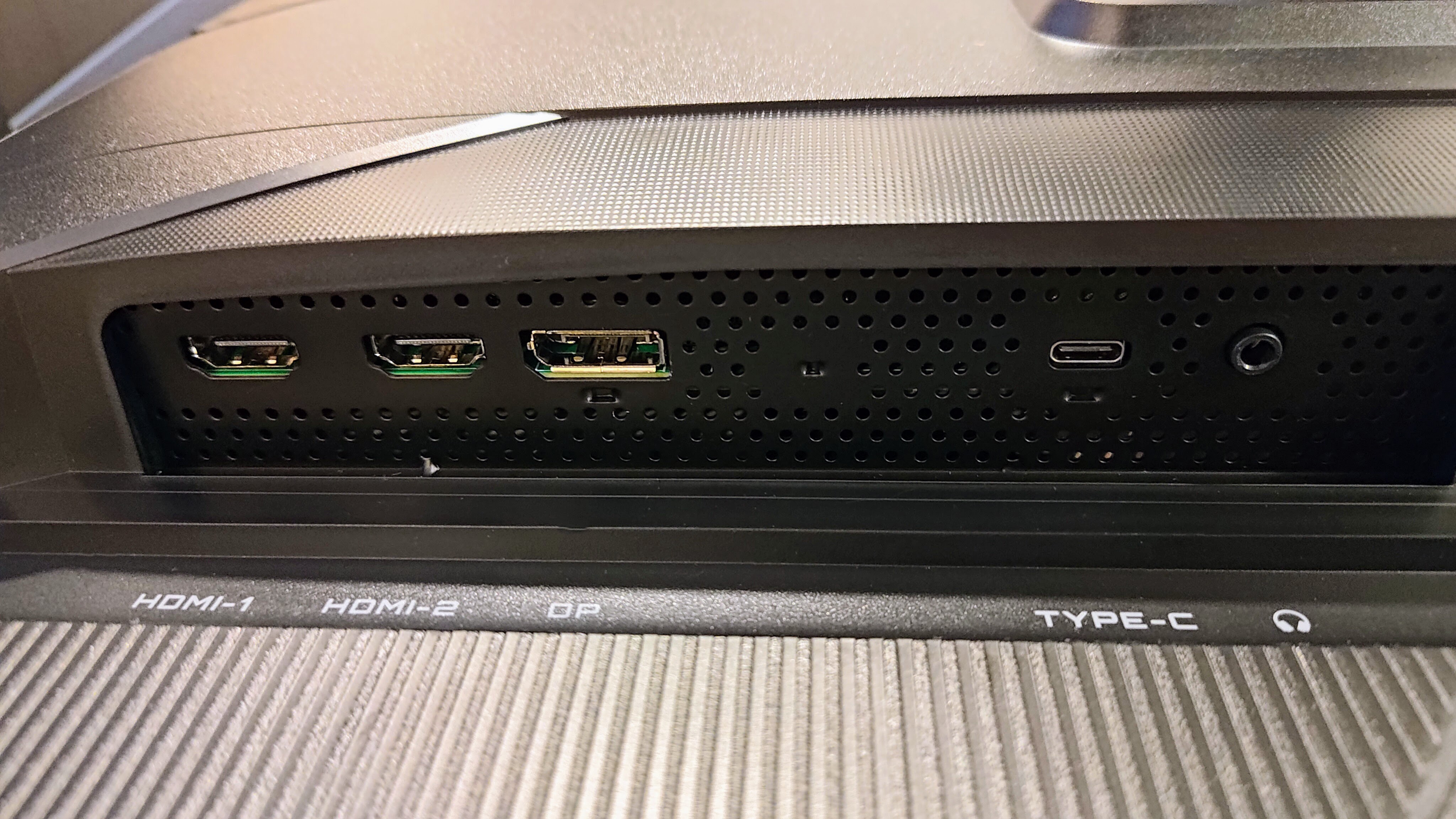
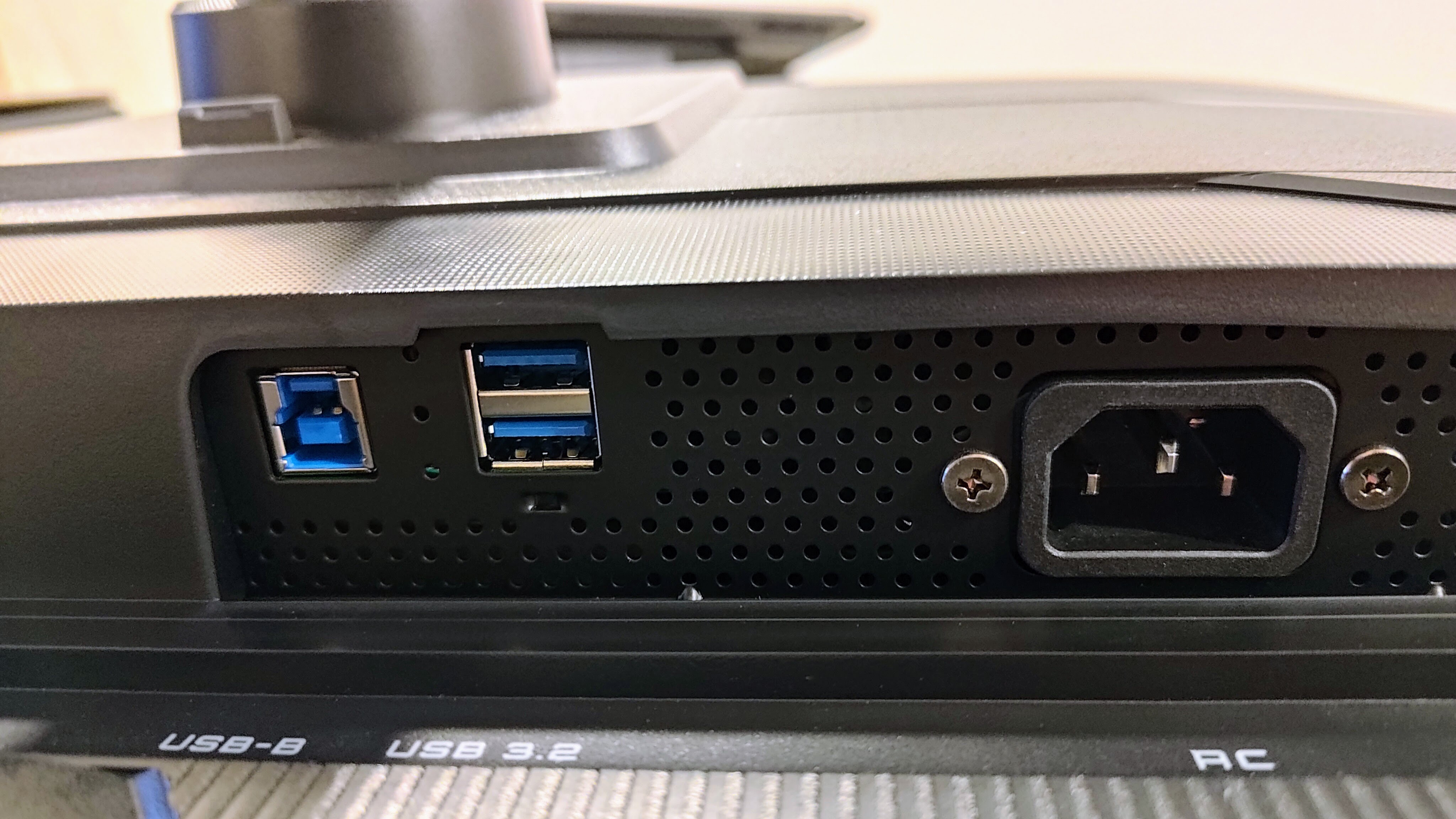
All of the important ports are covered. There are two HDMI 2.1 ports, one DisplayPort 1.4, one USB-C port (that supports DisplayPort, 18W power delivery and USB hub connectivity) plus one USB-B upstream port and two USB-A 3.2 Gen 1 downstream ports. There’s also a 3.5mm headphone jack and (usefully) two 5W speakers. Some may lament offering only 18W of power delivery in the modern market, but that’s nitpicking. DisplayPort 2.1 is also an omission that few in the real world will miss.
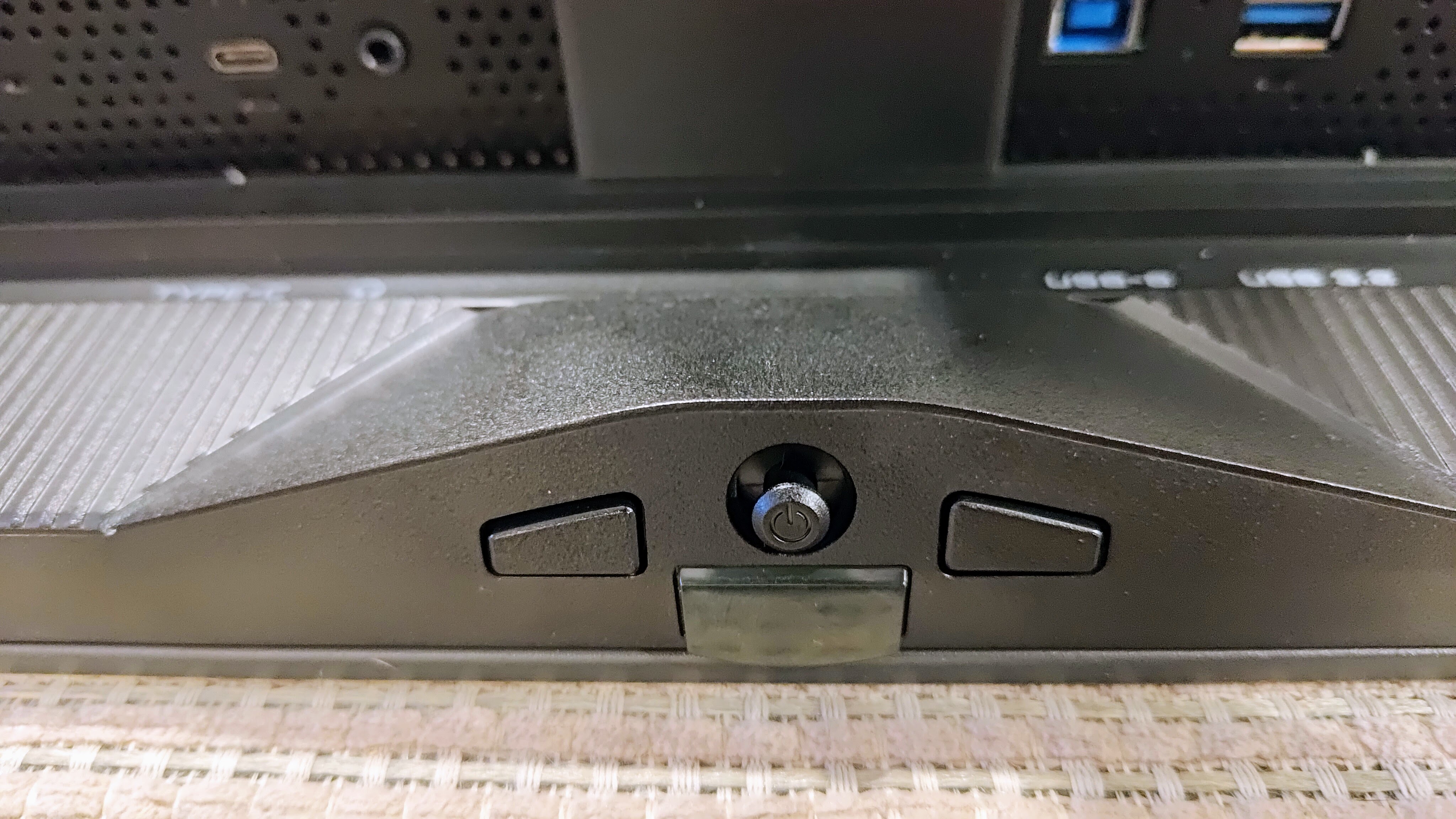
You can access the settings by a joystick button (and two programmable buttons) at the bottom of the screen. It’s mostly responsive and intuitive, but some adjustments can reset the screen and even require setting up in Windows all over again.
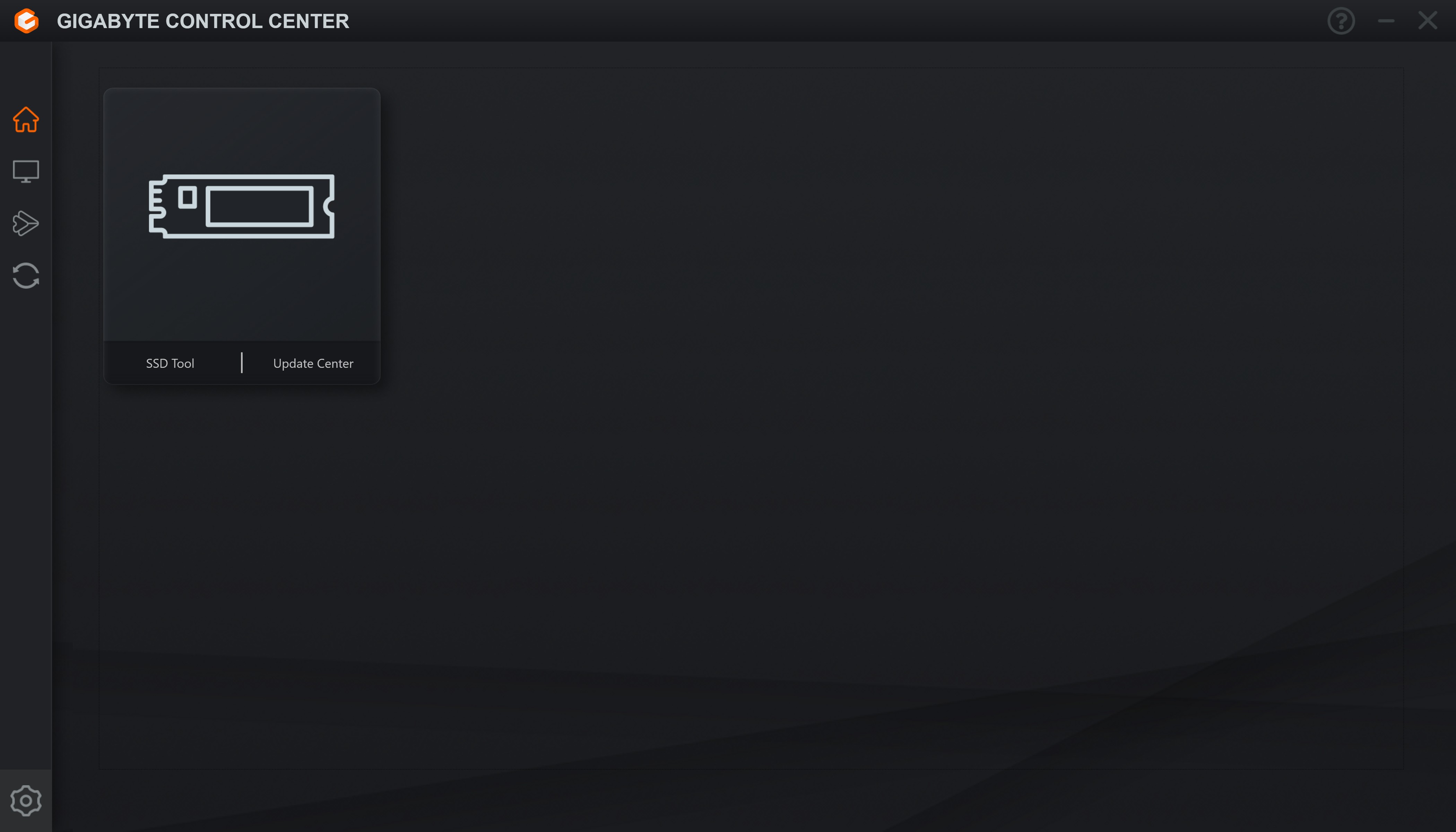
I'm not sure what’s happened to the Gigabyte Control Center app, which is now barely functional. On the occasions that it did detect the display, it only provided access to a handful of settings and then wouldn’t always sync them with the screen.
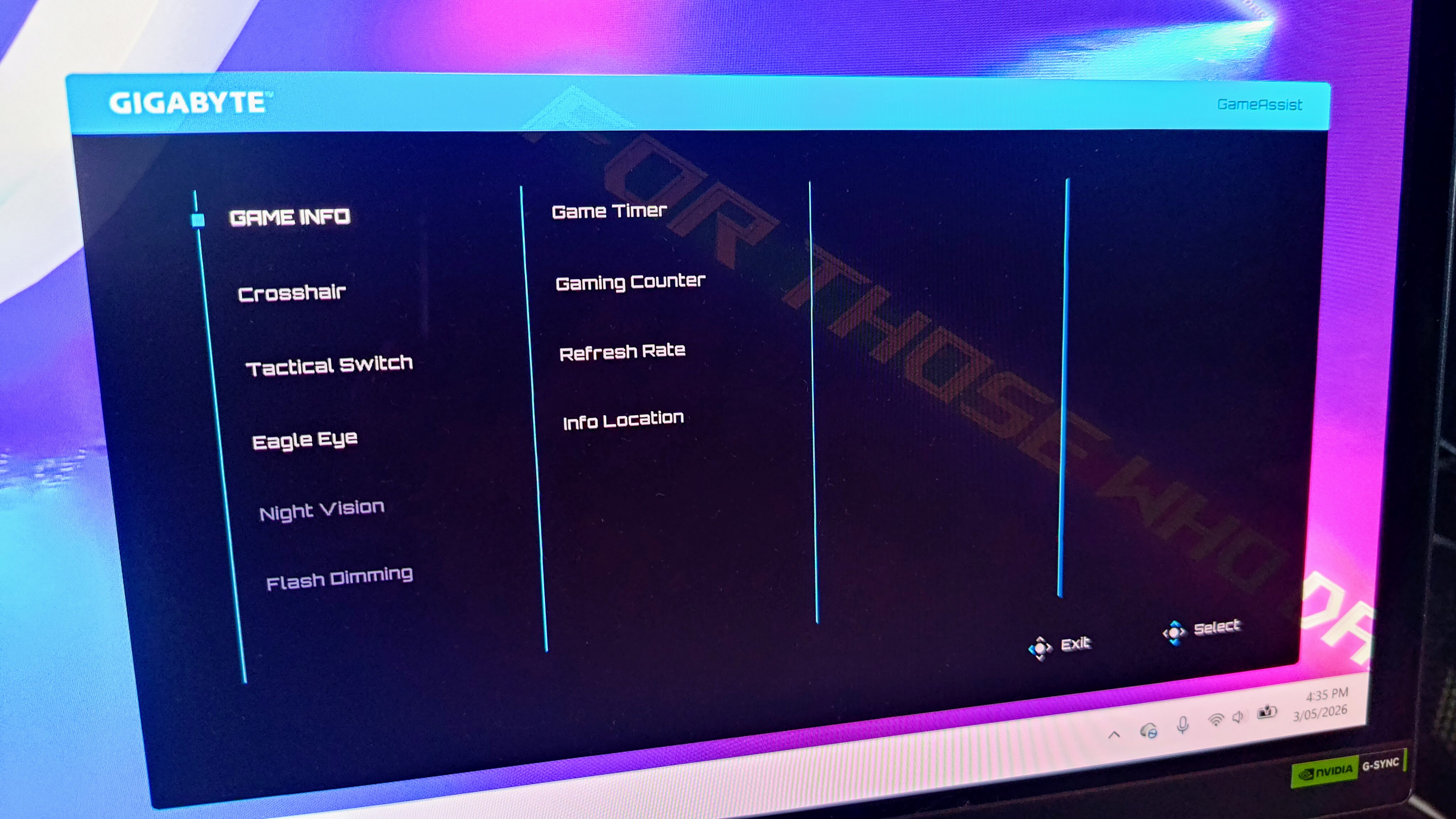
A Game Assist menu provides access to ‘Game Info’ such as an on-screen timer, refresh rate display and multiple on-screen crosshairs. The Tactical Switch setting allows configuration of the shortcut button (next to the joystick button). You can also use it to automatically switch the display from a 16:9 ratio to 4:3 or 5:4. Resolution can be switched to a 24-inch mode with 4:3 and 5:4 options, something that makes a difference when playing competitive shooters.
Other features include an Eagle Eye sniper zoom box in the middle of the screen. I find this unusably annoying, but if you’re a camping sniper-type player, it might be beneficial to your ‘gameplay.’ There’s also ‘green-screen-style’ night vision (which I couldn’t get on with) plus (a welcome) flash dimming setting.
Other gaming features include AI Black Equalizer, which flattens contrast to reveal enemies hiding in shadows.
If you’ve got a console, then VRR mode can help prevent tearing in supported 120Hz games. Separately, Ultra Clear inserts black frames at 120Hz to reduce motion blur. It’s very effective and something that pro-gaming esports screens often make use of.
Other features are the usual monitor fare. There are plenty of image adjustment options and presets, so you can (at least attempt to) set up the monitor just so.
Finally, there’s a suite of OLED Care options including Pixel Clean, Static Control, Pixel Shift, Sub-Logo Dim, Corner Dim and much more. It also regularly performs an automatic maintenance cycle, but you can delay it if you’re in the middle of something important (unlike some rivals).
All in all, there are few features missing from the Gigabyte MO27U2, but it gets marked down for the terrible partner app and slow adjustment of some settings.
- Design: 4 / 5
Gigabyte MO27U2: Performance
- Impressive QD-OLED panel
- Mediocre HDR handling
- Fast 240Hz gaming performance
The tandem QD-OLED panel is generally very impressive. It gets bright (1,000-nit peak HDR brightness), with rich and vibrant colors, very good contrast and very nearly true blacks. The issue of spidery text (that we’ve seen with previous-generation panels) has been banished, and this, plus the UHD resolution and a physics-defying, low-reflection glossy screen means it’s excellent for work as well as multimedia consumption.
However, being a premium monitor means my expectations are higher. HDR performance is an issue: while details are visible in dark areas and bright lights pierce through them in localized areas of the screen, highlights get lost in bright areas too easily.

Transitions and gradients are mostly very smooth, but most adjustments will transform them into a stepped, blocky, artifact-riddled mess. This will be a minor point for many gamers, but there are better performers for similar money (not least from Gigabyte) available, so it’s marked down accordingly.
Still, the 240Hz refresh rate marries with a fast, 0.03ms pixel response time to banish blur to a degree where only the most demanding competitive FPS players might grumble. Nvidia G-Sync compatibility ensures image tearing isn’t an issue.
The twin 5W speakers might not offer the best fidelity, but they get loud and punchy and are very useful for watching casual videos from time to time, so I appreciate their inclusion.
- Performance: 4 / 5
Should you buy the Gigabyte MO27U2?
Value | The Gigabyte MO27U2 is expensive in all markets but performance doesn’t quite live up to the price. | 3 / 5 |
Design | Many gaming monitors are dripping with RGB and design flourishes. The MO27U2 is far more sober, which will appeal to many. | 4 / 5 |
Performance | The MO27U2 is great for work but not perfect when it comes to multimedia and gaming performance. | 4 / 5 |
Final score | Ultimately, the Gigabyte MO27U2 promises much but doesn’t quite deliver at its premium price point | 4 / 5 |
Buy the Gigabyte MO27U2 if...
You want a fast, colorful, UHD gaming monitor and you can find it at a good price
The price of the Gigabyte MO27U2 varies widely from region to region. If you can find it cheap, the speed, high resolution and general color performance will make it good value.
You want a gaming monitor for work, too
The UHD resolution, basic-looking stand and low reflectivity mean you can comfortably work on the Gigabyte MO27U2 all day.
Don't buy it if...
You’re a demanding multimedia enthusiast
Though colorful and bright, the HDR performance isn’t the best and the settings don’t make it easy to correct all of the issues. While tandem QD-OLED is notionally the top technology of today, this isn’t the best implementation of it.
You’re not flush with cash
There are plenty of very high-quality gaming monitors on the market and prices are getting lower as the market matures.
Also Consider
Gigabyte Aorus FO32U2P
Gigabyte’s last-gen S-tier, 32-inch gaming monitor might technically be last generation but it’s better in many important ways and the price has dropped considerably since launch.
Gigabyte M32UC
Gigabyte’s non-QD-OLED, 4K gaming monitor packs in the features and still manages to offer a 144Hz refresh rate. It’s also significantly cheaper.
Want more options? Check out our guide to the best gaming monitors.




