

At this point in my professional career, I've tested many laptops and computers, and every single one tries to promote what makes it special. It's always the best at something, the lightest at something, the longest something, the brightest something, the most ports, or something like that. Whatever it is, there's always something that is trying to promote the best of the best at it.
The ThinkPad P16V Gen 3 is one of the unique ones that actually tries not to be the best of the best at anything, but to be a really good middle ground and an all-arounder, creating a Goldilocks-like scenario where it is not the best at anything. However, it's probably a really good option for most who want a portable workstation.
Lenovo has a pretty clear and sleek way of doing this. The ThinkPad P16S is a lightweight variant of this workstation. The P16 is a flagship, and the P16V is the value, or, as I'm referring to it, the Goldilocks version.
Yes, if you have the money, you should do the more expensive one - it remains one of the best laptops for engineering students I've ever tested. Yes, if you want the lightweight version, you should do the S version, but if you want the middle ground and you want to have your cake and eat it too, check out the V variant.
Lenovo ThinkPad P16V Gen 3: Price and availability
The ThinkPad P16V Gen 3 is widely available direct from Lenovo US, Lenovo UK, and other regional sites. You'll also find it from selected retailers.
The base configurations for this laptop start around $2,300, with an Intel Core i7 RTX Pro 5000, 16 GB of RAM, and a 512 GB SSD, all on Windows 11. The version I have is nearing $4,000 and has a Core i7 RTX Pro 2000 Blackwell with 32 GB of RAM, a 1 TB SSD, and a WUXGA IPS screen, running Windows 11.
If you're looking for an OLED touch panel, that adds to the price, and you can get up to 96GB of RAM, plus larger storage if you're looking for that as well. The higher you go, eventually it gets to the point where it may be worth just getting the more flagship model rather than the more value-oriented variant.
Depending on what is important to you, you'll want to spec these out on Lenovo's website.
Lenovo ThinkPad P16V Gen 3: Unboxing and First Impressions
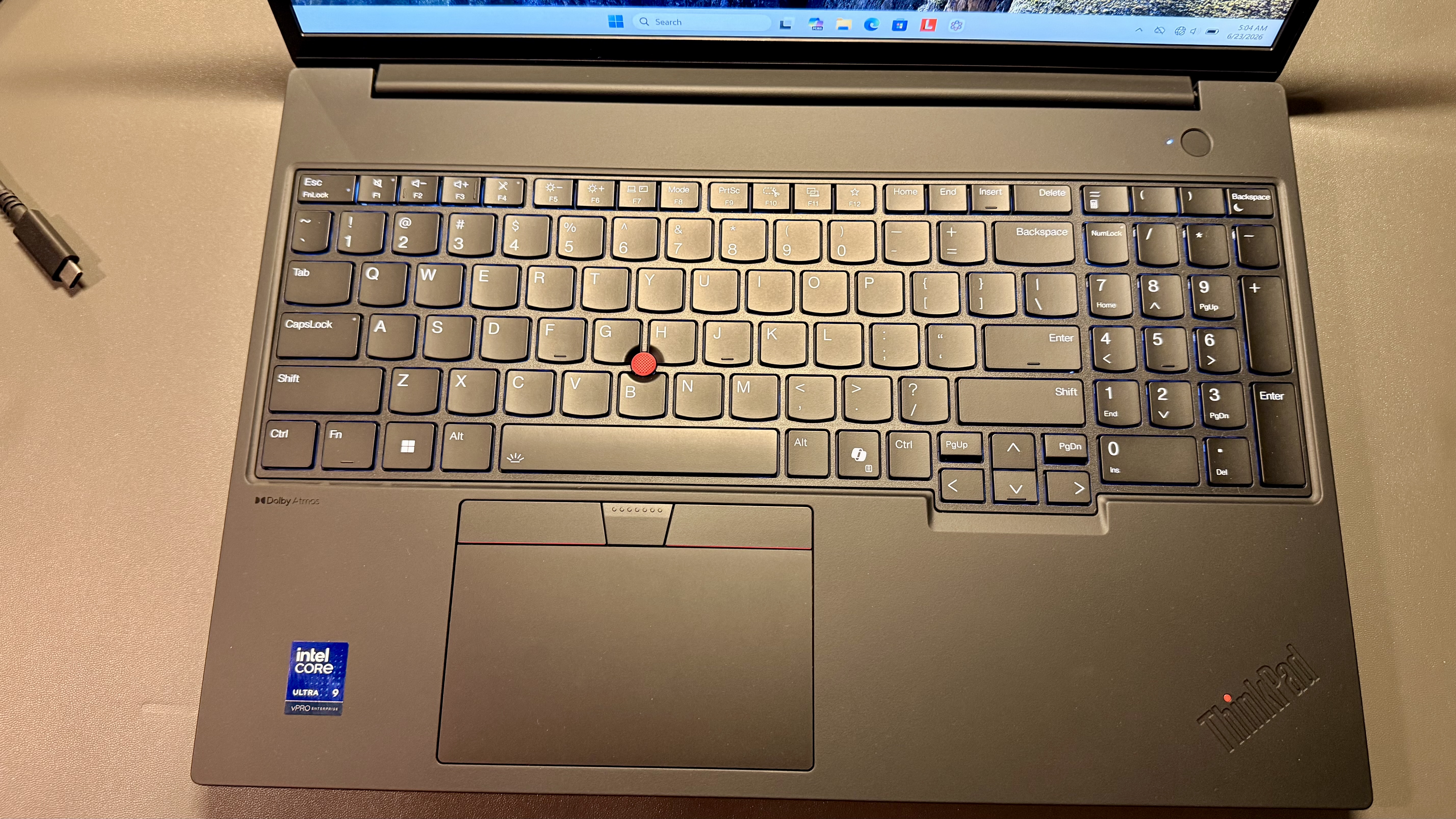
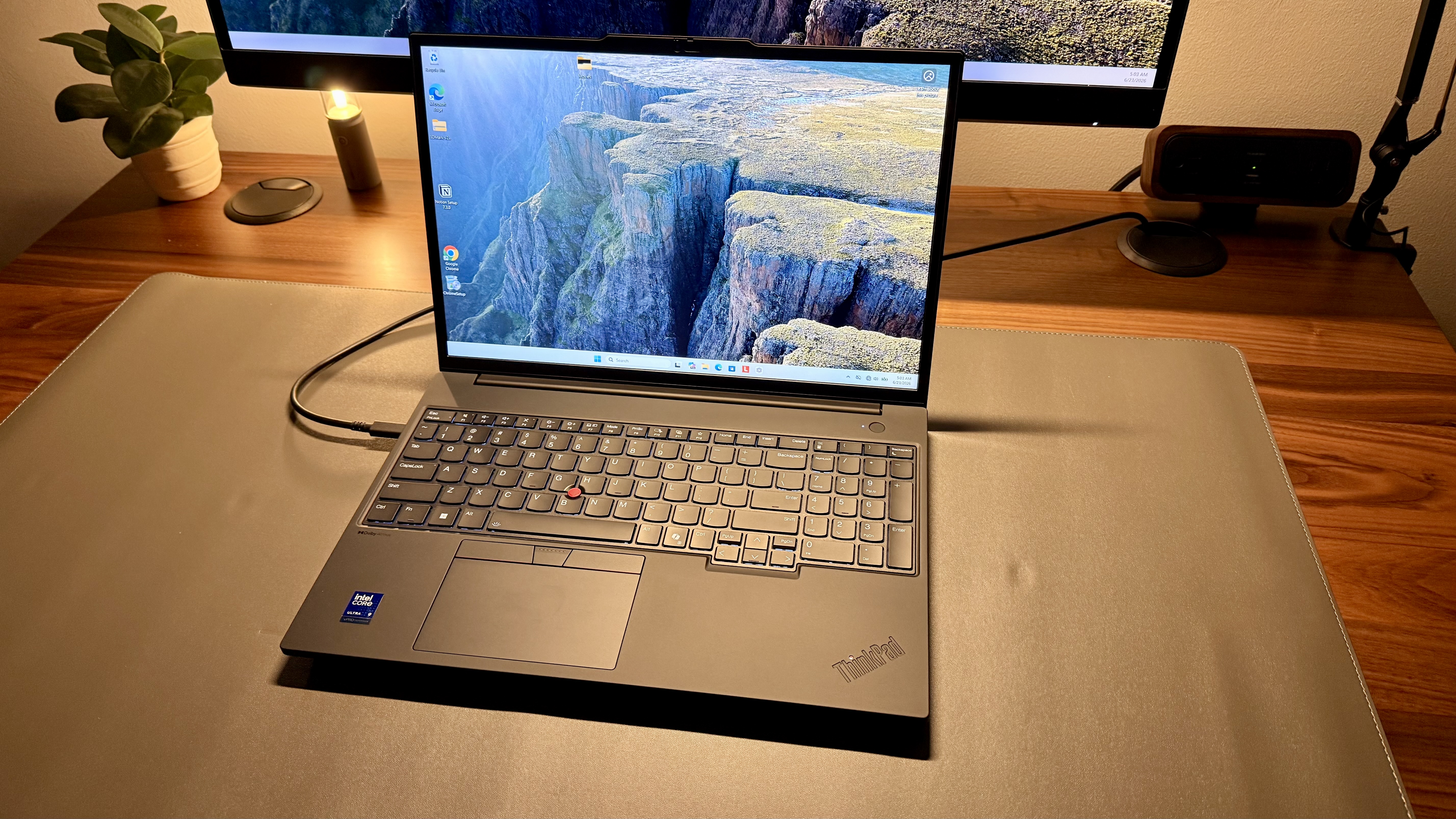
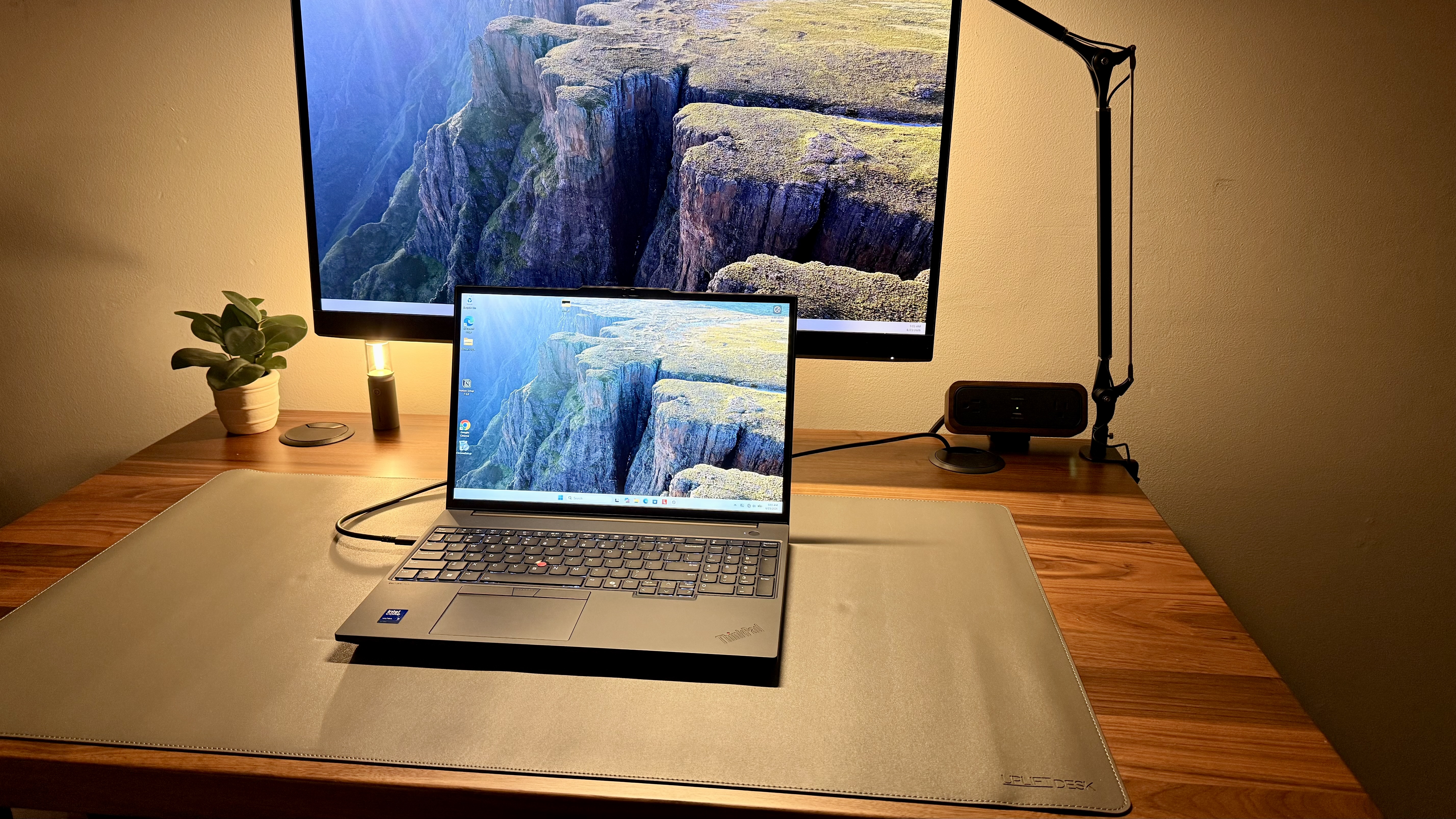
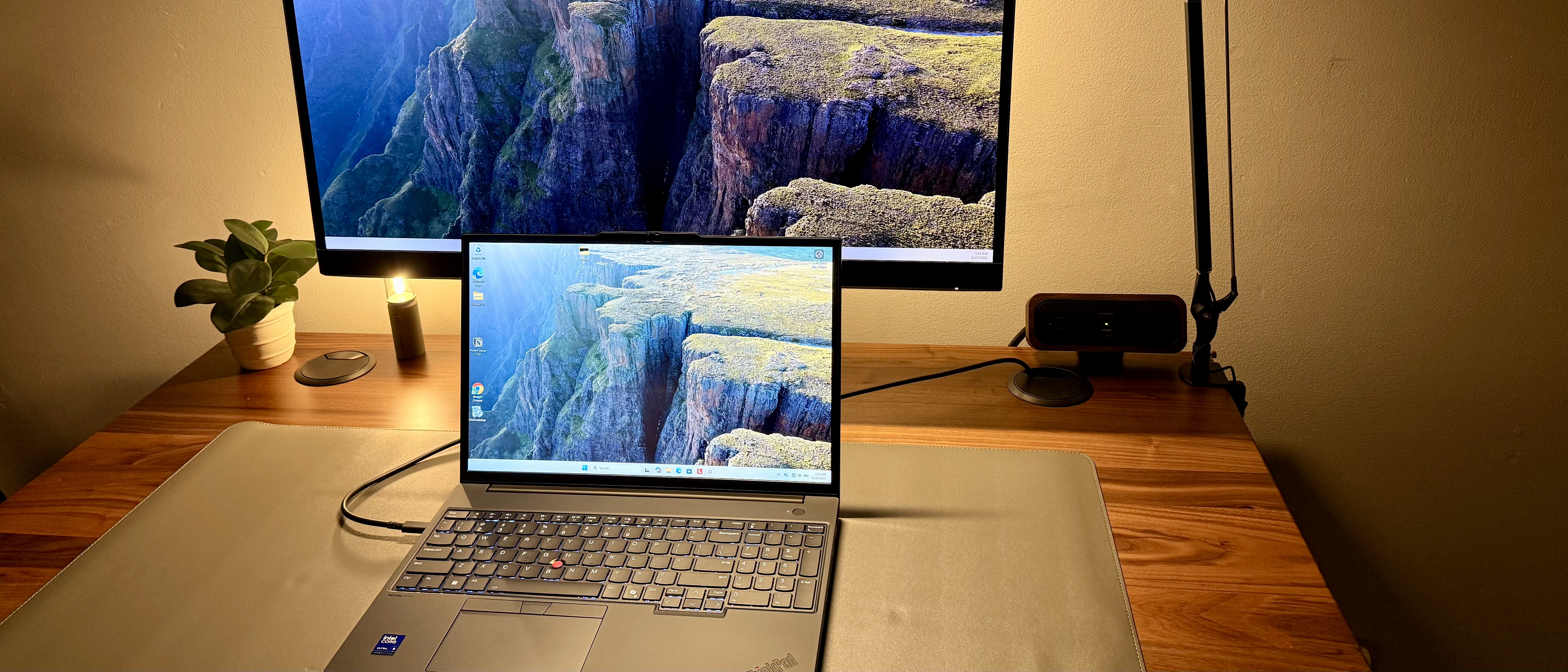
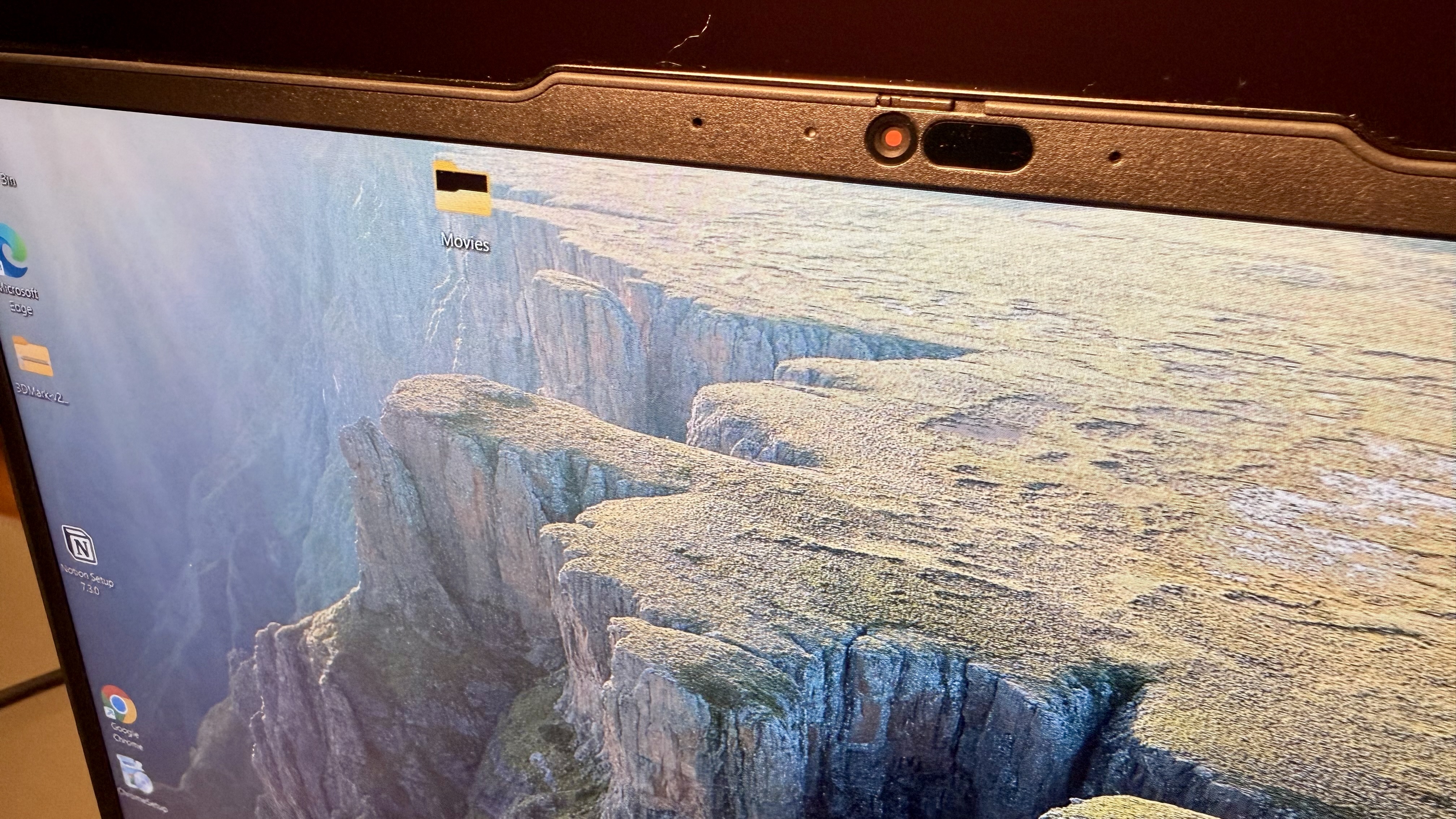
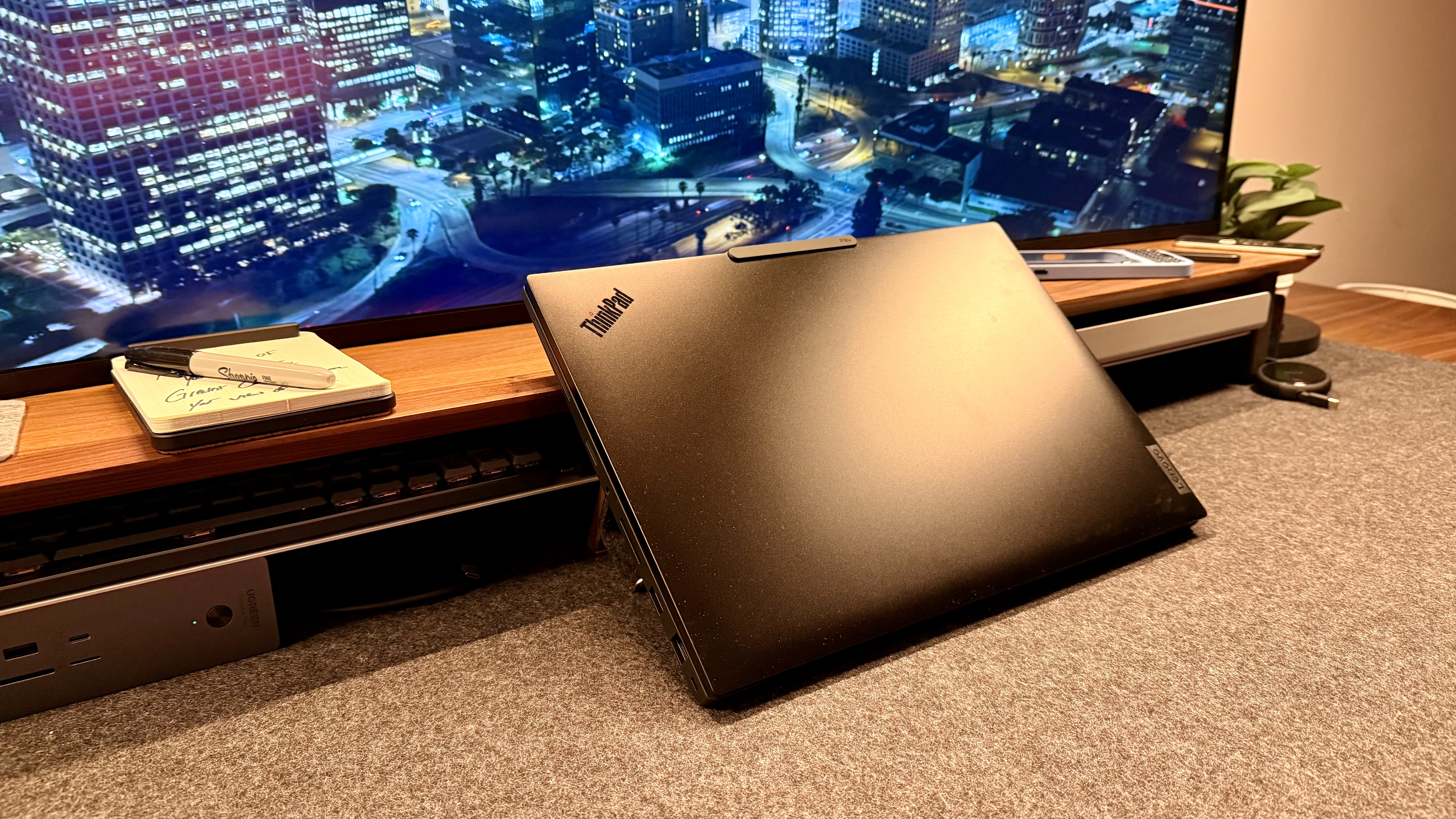
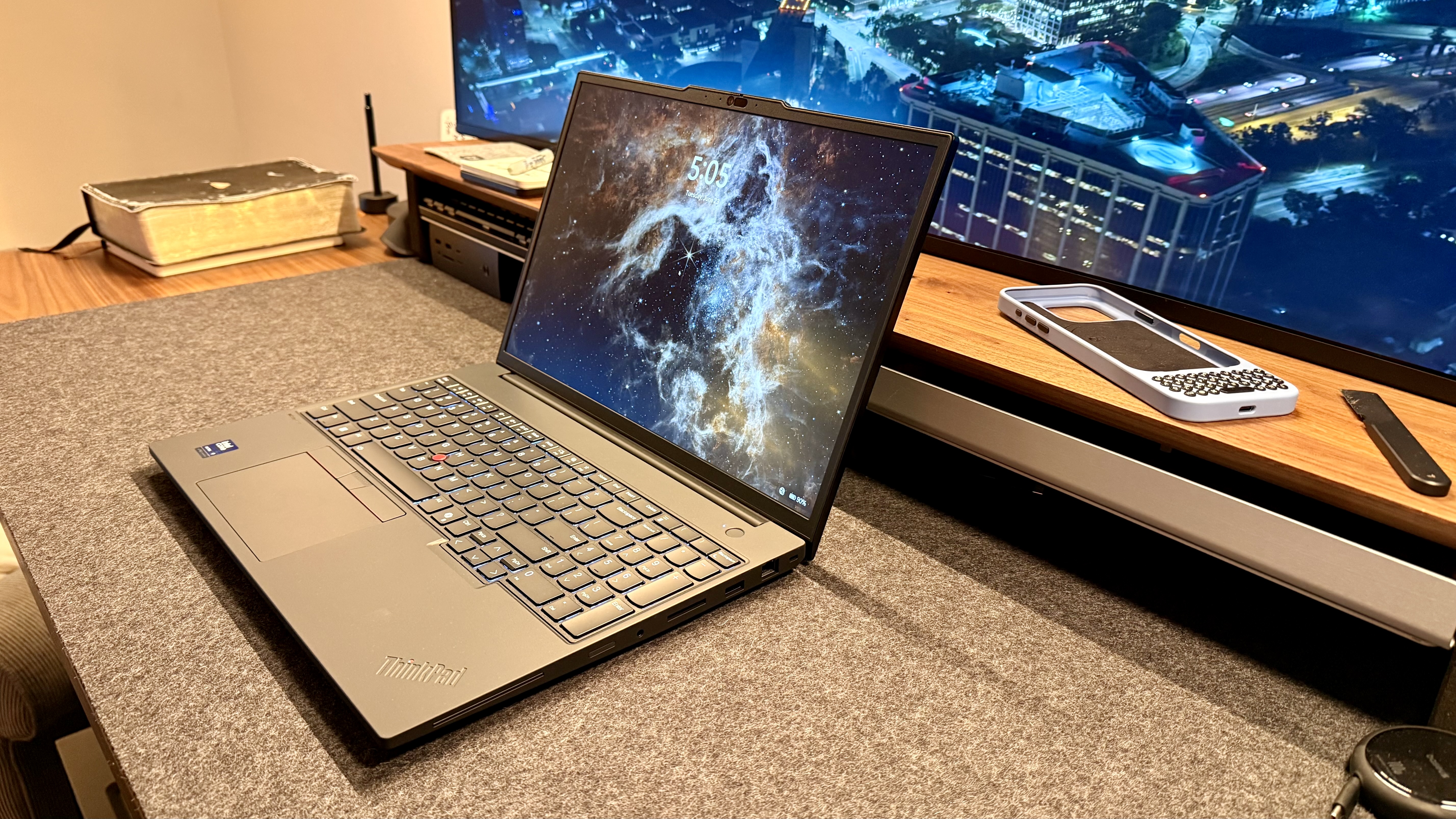
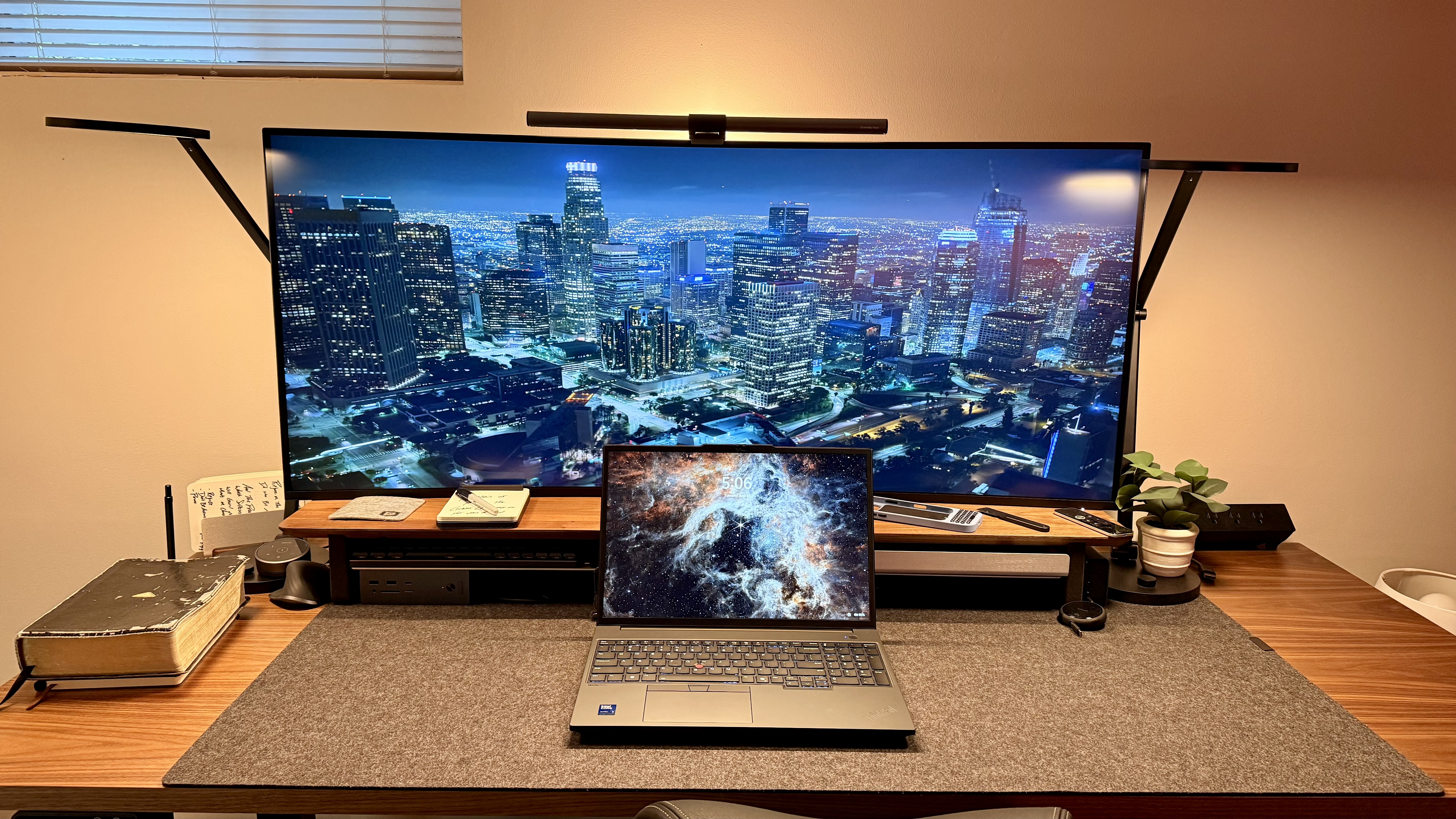
This laptop has the classic, simple, identifiable ThinkPad black finish, a decent enough webcam with nothing crazy, a privacy switch, and a co-pilot key, which I'm seeing on pretty much every Windows PC these days.
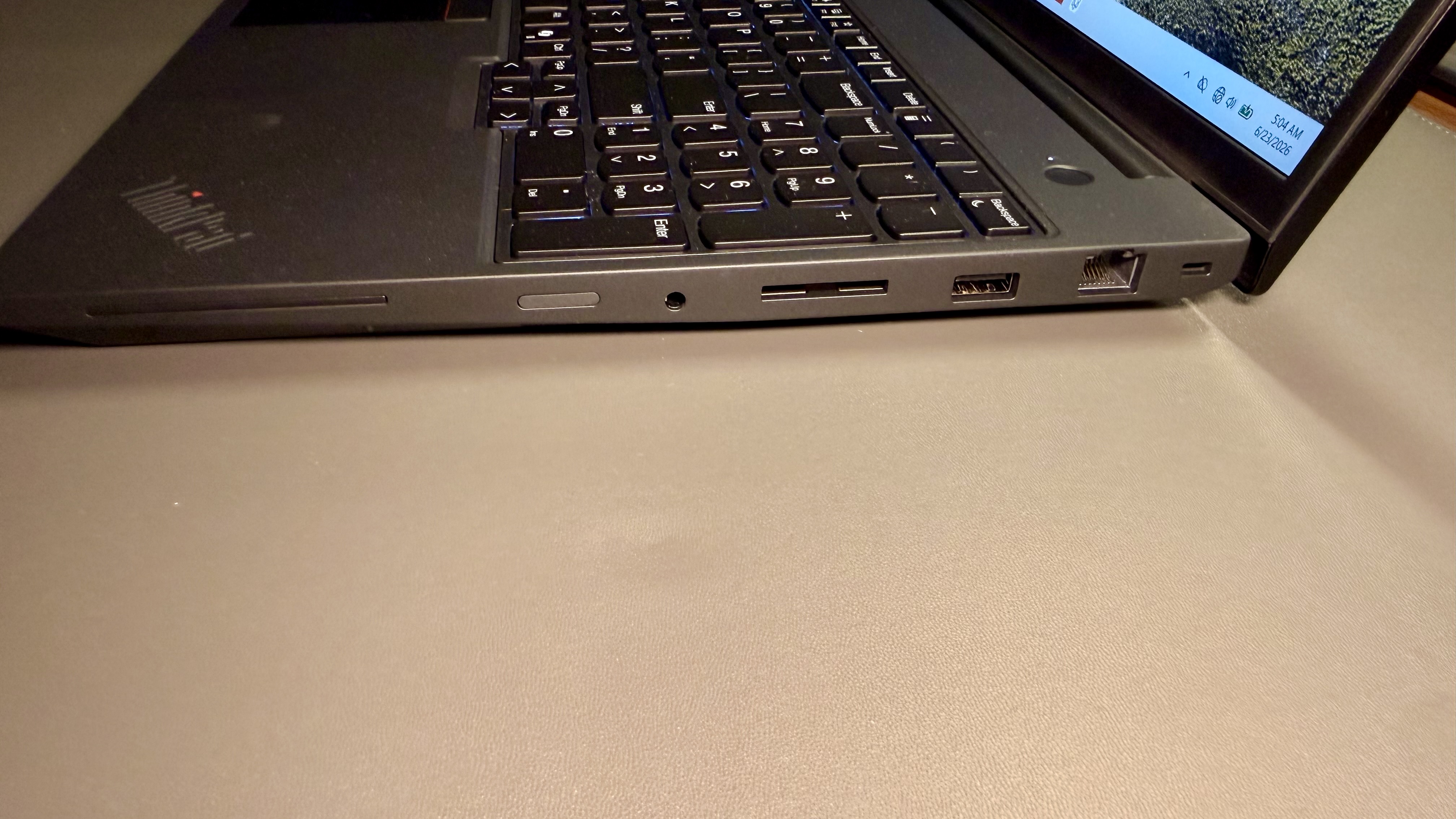
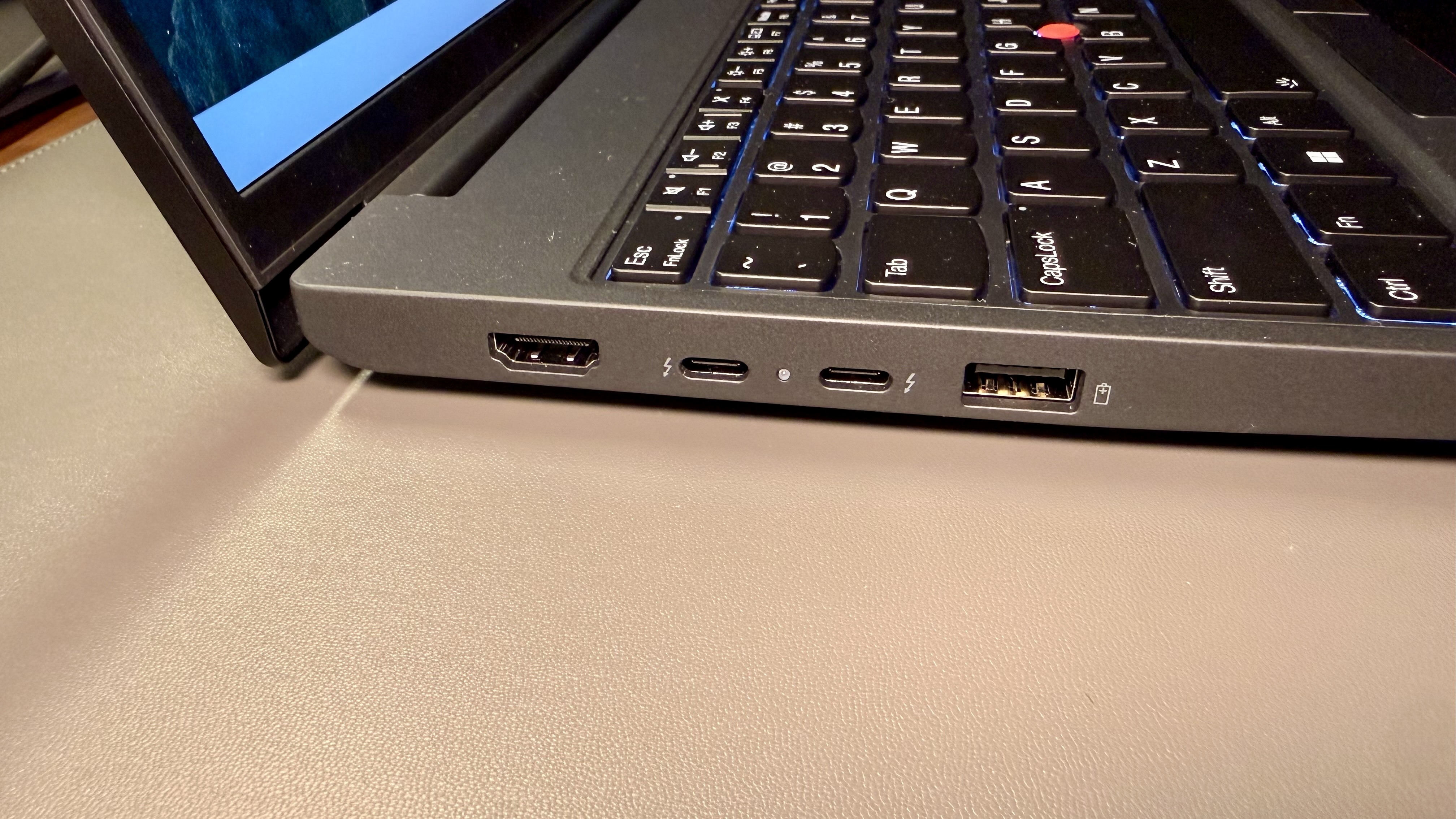
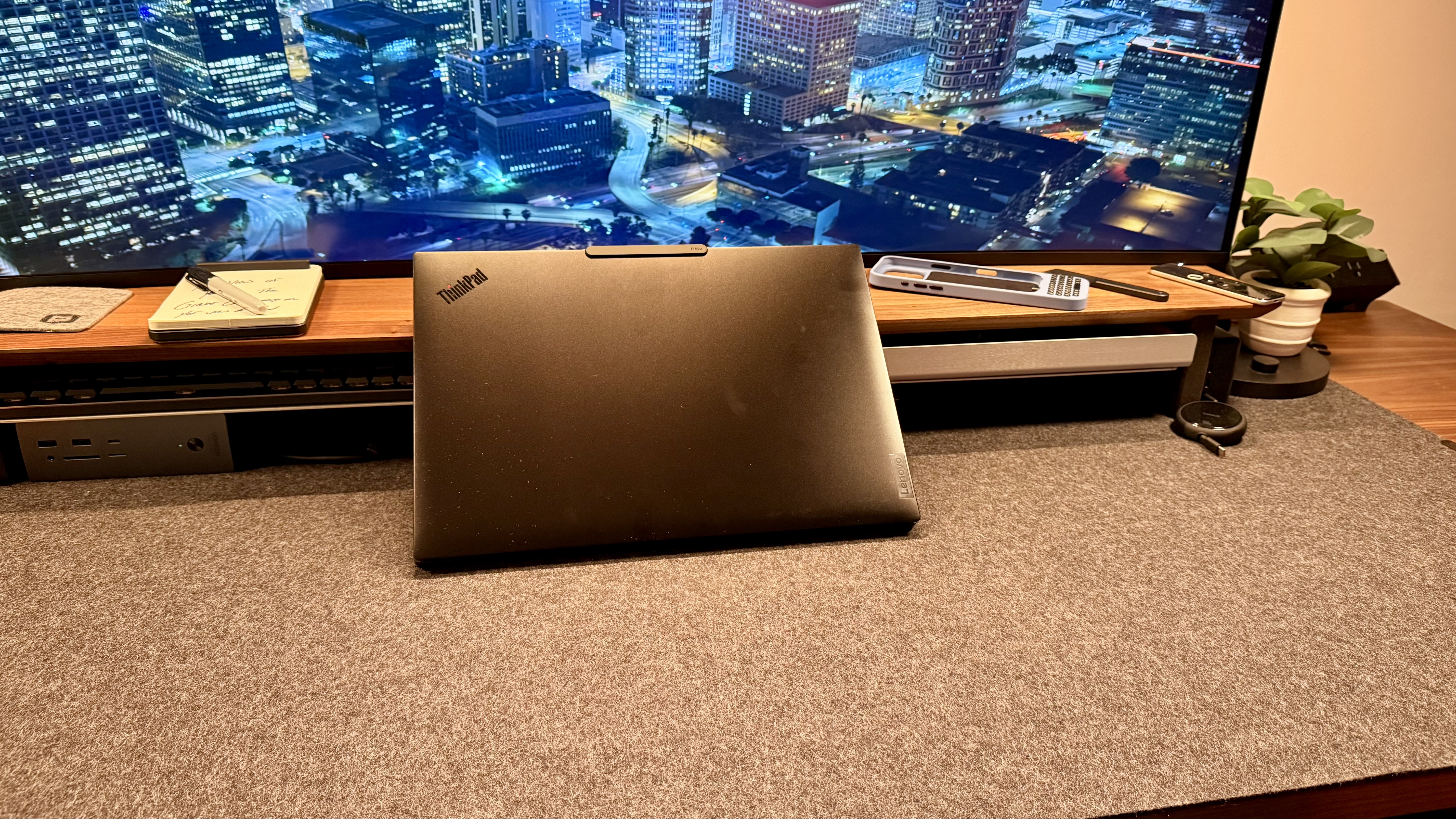
Right away, boot-up was pretty straightforward. There are great ports, and this seems like just another one of those old reliable laptops that you would get as a business computer in the best way possible. It's nothing shiny; it's not gonna win any beauty awards, but by golly, will it get work done.
Lenovo ThinkPad P16V Gen 3: Design & Build Quality
Lenovo ThinkPad P16v Gen 3 is only just over an inch thick and starts around 4.5 lb. It has thinner bezels and adds a USB-A port, which is funny compared to the Gen 2, showing that even in a world where we are pushing towards USB-C, people still really do need that USB-A port for quite a few legacy devices.
The ThinkPad P16v Gen 3 also has a MIL-STD 810H rating, a spill-resistant keyboard, a fingerprint reader that matches on-device (not on the server), a ThinkShutter, a Self-healing BIOS, and more.
On paper, these all look great, but in reality, what you need to know is that it is a spec bump plus the addition of a USB-A from the prior gen, which also rated quite well. Through every section that I keep writing about this review, I keep realizing more and more that this truly is just designed to be the Goldilocks computer for people in this kind of line of work
Lenovo ThinkPad P16V Gen 3: In use
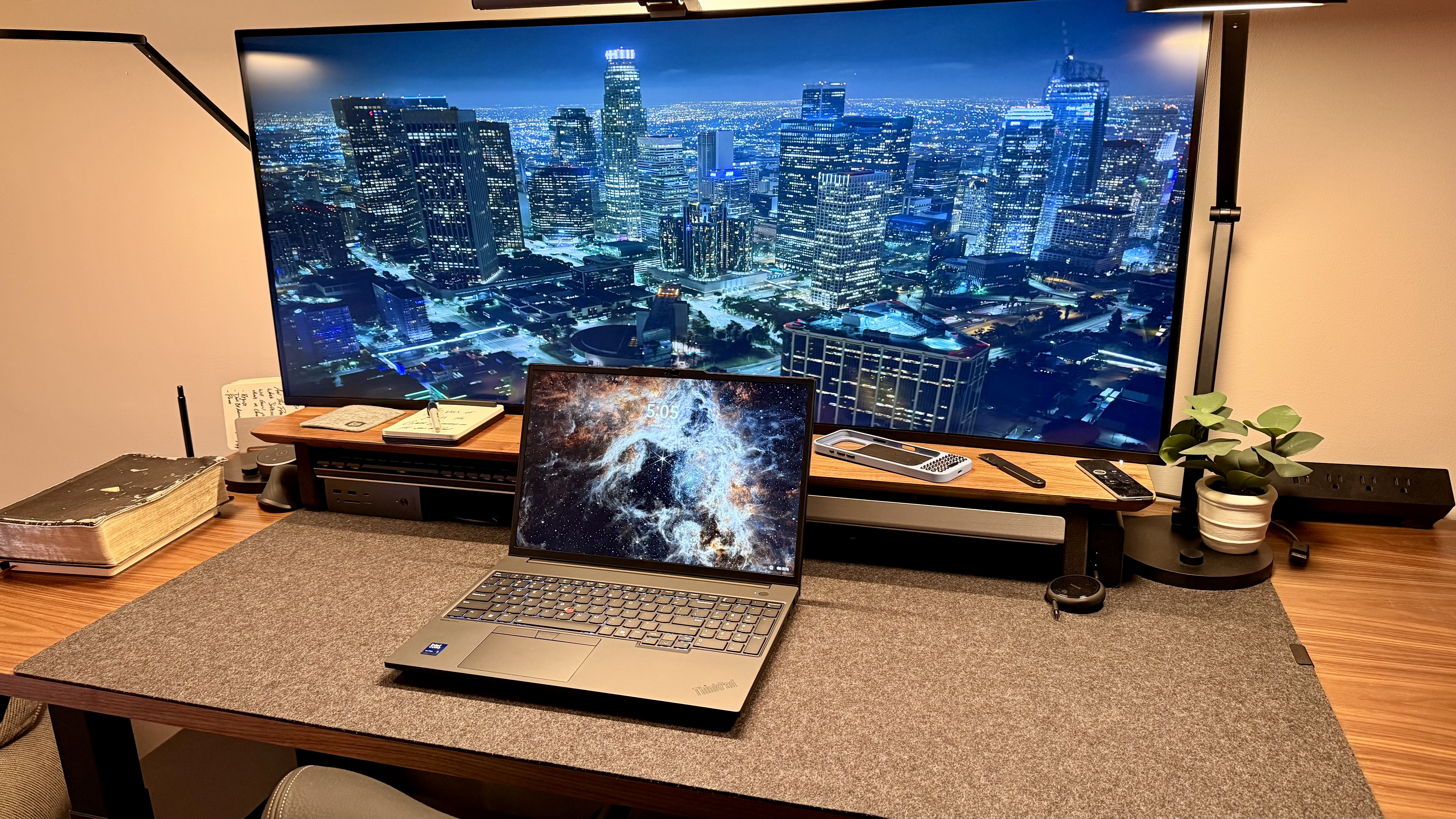
I think this computer has been great today. Over the years, I've gotten used to using the TrackPoint and trackpad on Lenovo ThinkPad laptops. The keyboard is comfortable to type on, even during extended working and writing sessions. The Dolby Voice 5 field mic is strong enough for virtual meetings or, more relevant to some, works great with Wispr Flow and other dictation tools if that's your kind of jam.
It's great to know that this computer is strong enough to handle CAD files and other 3D project files, video editing if I wanted to, photo editing, and some engineering work. I used this to help build up some workflows in Notion, which took quite a bit of computing power running an expensive terminal — several windows in Notion, VS Code, Chrome, and ChatGPT open at once — and it handled the load like an absolute champ.
But as the continued threat of the jack-of-all-trades master-of-none kind of logic continues, the battery isn't the best on this. It's good. I would even say it's pretty good. It's not spectacular. It's heavy to carry around and can be awkward to fit in some backpacks unless they're larger. It's by no means the kind of laptop that you want to carry around if you're traveling a ton.
If you are in a technical, engineering, coding, tech support, or other similar kind of role and you need a mobile workstation but you don't need the flagship, and you're okay with having a little bit more heft to save some dollars, this laptop gets the job done in most scenarios.
Lenovo ThinkPad P16V Gen 3: Final verdict
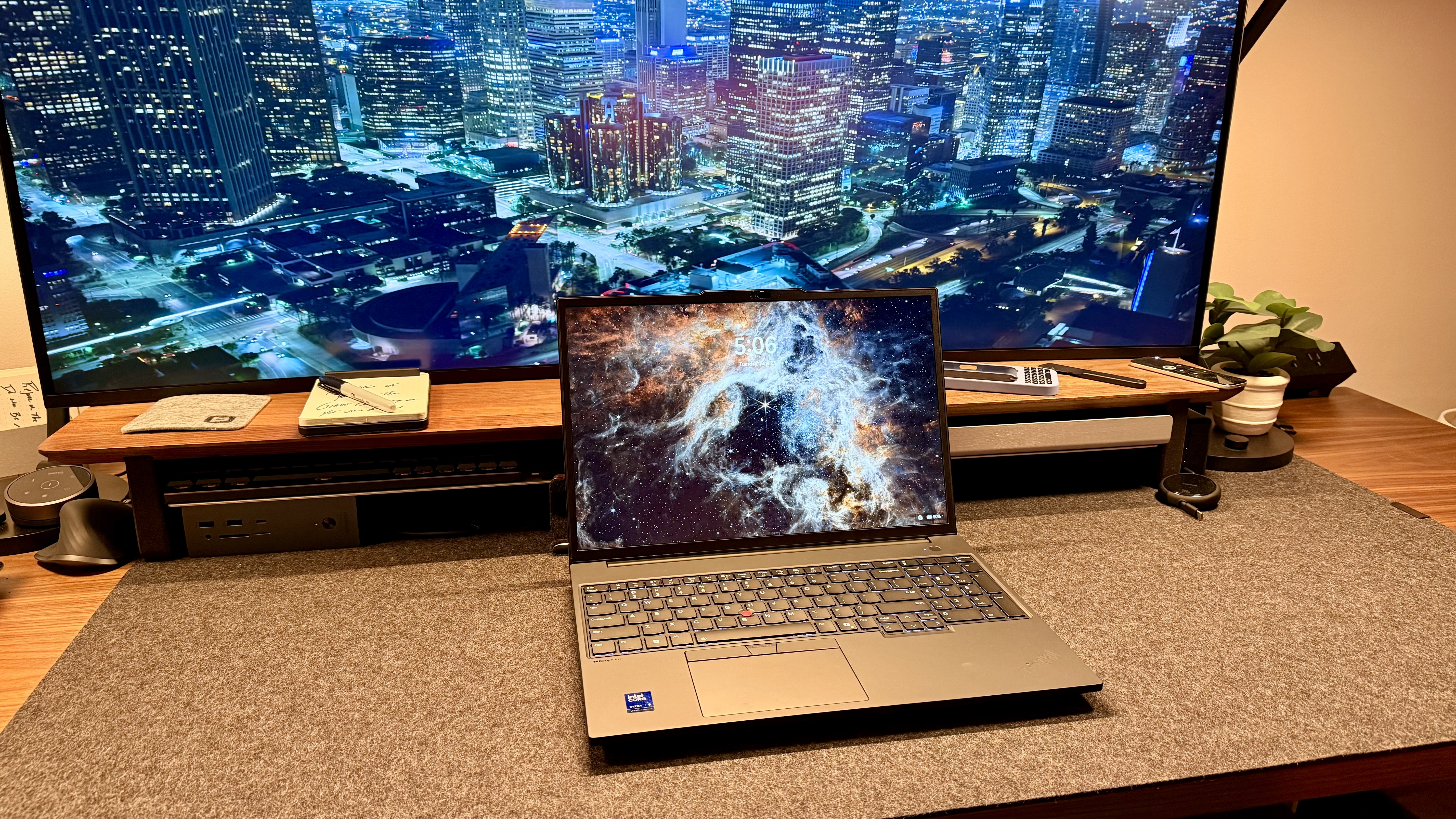
As I mentioned slightly above, if you're a mobile technical specialist in some way, shape, or form (and trust me, if you are in this field, you know it), and if you want a workstation on the go, or if you had the Gen 2 and you really were missing that USB-A port and don't want to carry around a dongle, you should check this guy out.
If you really need that high-end GPU MPP, you should go with the flagship model. If you're looking for a lighter model, go down to the P16S Gen 4. The P16v Gen 3 is for those who want it all: a decently priced laptop with decent ports, a decent weight, a decent battery, and decent power.
For more powerhouse performers, we've tested the best business laptops and the best mobile workstations.




