

Photo Studio Ultimate 2026 is seen as ACDSee’s competitor to Adobe Lightroom and Photoshop, combining many image editing tools of both into a single package.
For those looking for one of the best Photoshop alternatives, it's definitely up there. Although not quite as powerful as Adobe's dominant software or photo organizer Lightroom, it's a good place for those that want loads of advanced features without the pro-grade complexity found in Adobe's suite.
I took the latest version for a spin to see what the newest features bring for photo editors.
ACDSee Photo Studio Ultimate 2026: Pricing & plans
- Good value for one-off purchase and subscriptions
- Windows-only
First off, the bad news: in a move that feels quite atypical in this day and age, Photo Studio Ultimate is Windows only, so if you run a different type of computer, you’re stuck looking for alternatives.
Now for the good news: unlike an increasing number of companies who only allow you to rent their software, ACDSee give you a choice: subscribe to Photo Studio Ultimate for $8.90 a month or $89 a year, or buy it outright for $150 (discounted to $69.95 as of this writing).
There are restrictions with the latter: you can only install it on a single machine, and once a new major version is released, you’ll be stuck with the old one until you choose the upgrade (just like the good old days).
Subscribing has additional perks, such as recording and video editing software, the ability to install the program on up to 5 machines. You also get free software upgrades, but once you stop paying, you lose it all.
There are positives and negatives for both options; it just depends which you’re more happy to live with. But kudos to ACDSee for actually offering customers a choice.
As a comparison, Adobe offers Lightroom for $12 a month on a yearly contract, making it $55 more expensive than ACDSee’s option.
If you’re curious, a free 16 day trial of the software is available, so you can be sure it does exactly what you expect it to do.
- Pricing & plans: 4.5 / 5
ACDSee Photo Studio Ultimate 2026: Interface
- Lots of features inside a single application
- Intuitive once you’re used to it
- Initial tutorial should not be skipped
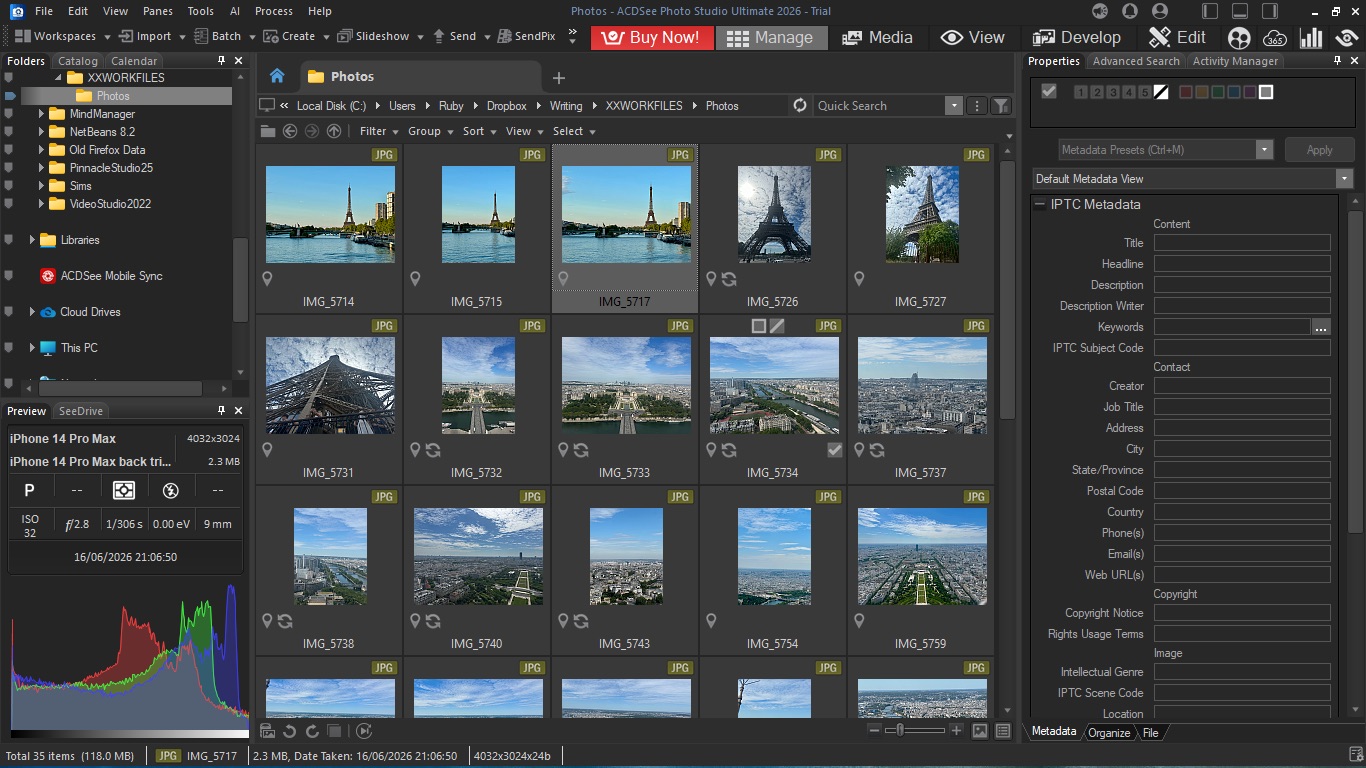
Photo Studio Ultimate doesn’t copy your photos into a new library for you. Instead, it enables you to access all the shots you have stored on your computer. You also have the option of getting the software to focus on a default folder, where you can organize your images as you please.
However, that won’t prevent you from accessing stills stored elsewhere - that default link is just there for your convenience, to avoid you having to navigate to that folder each and every time you launch the app.
Once you’ve set that, you’ll be graced with a pretty busy interface. There are sidebars on both sides of the interface, a series of menus top left, a set differentiated with a larger font size top right, with the central section reserved for your shots. That’s a lot to handle, and it’s much busier than Photoshop and Lightroom, but that doesn’t mean it’s hard to find your way around.
The first time you launch the software, you’ll be taken through a series of labelled screenshots explaining what most of the interface does, and it’s well worth spending a few minutes with them to familiarise yourself with the software. After that, you’ll get comfortable with where everything is in next to no time.
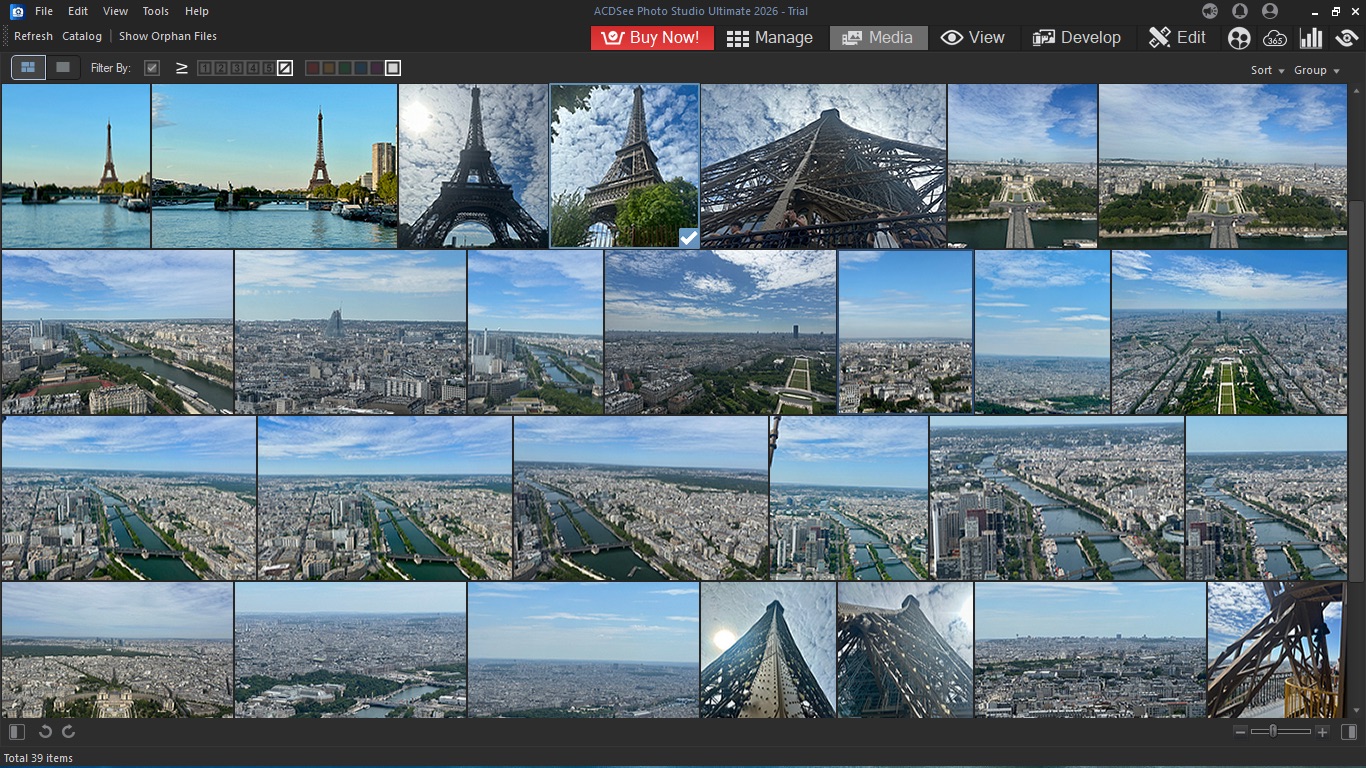
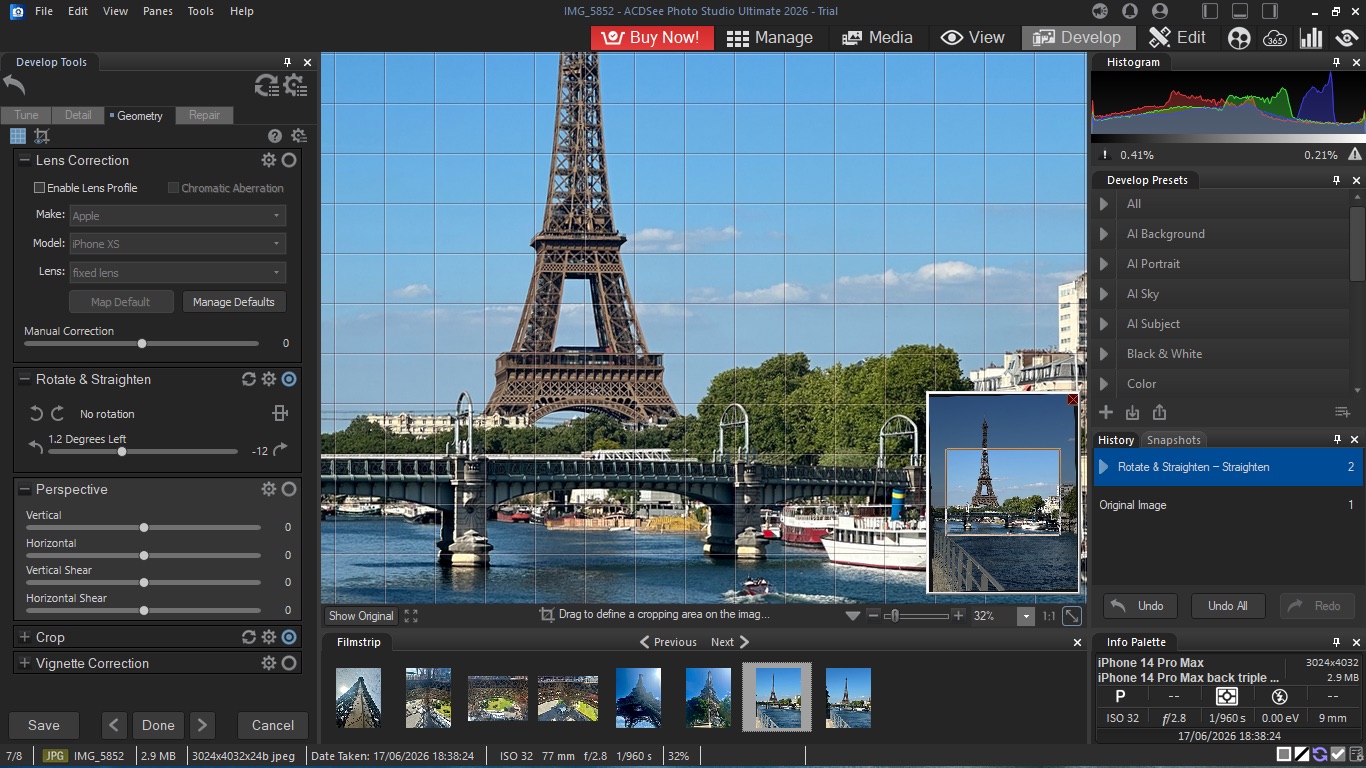
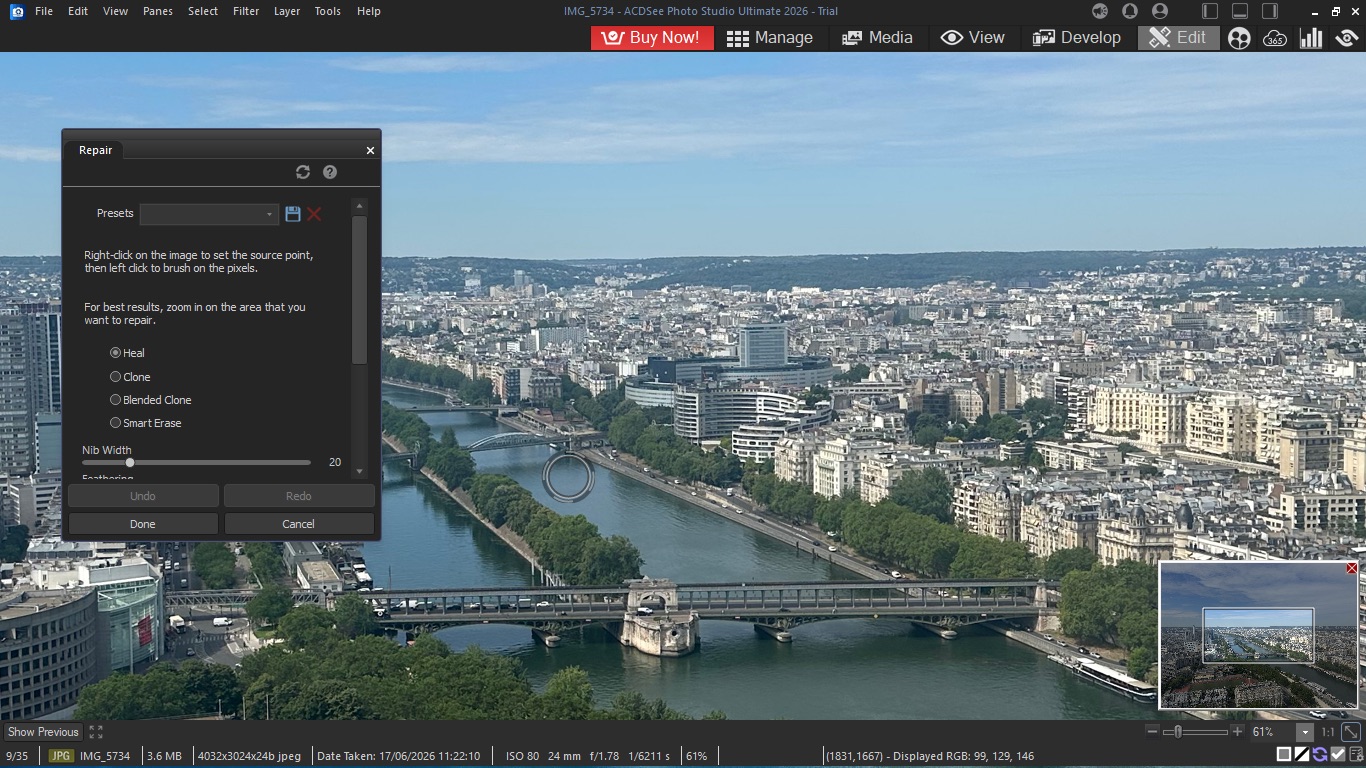
Photo Studio Ultimate is essentially divided into 5 sections, represented by the larger menu top right of the interface. Put simply, ‘Manage’, ‘Media’ and ‘View’ are three ways to see and organize your portfolio, ‘Develop’ focuses primarily on color correction, and image fixing (such as lens correction and straightening), while ‘Edit’ offers more Photoshop-like tools, such as sky replacement, image repair, and even allows you to work with multiple layers.
- Interface: 4 / 5
ACDSee Photo Studio Ultimate 2026: Tools
- Well-stocked feature-set
- Comparable to Photoshop and Lightroom
So everything’s pretty well organized. That’s good. But what’s more important is what you can do with this software.
For instance, ‘Manage’ is there for you to search for specific images based on their metadata, oh and speaking of, the Properties tab on the right is where you get to add as much information about your selected image, or groups of images, making the search tool more accurate as a result.
‘Media’ is designed to explore specifically selected photos in greater detail. You can group them by date or based on specific properties, and also have a couple of viewing options.
Meanwhile, ‘View’ focuses on one selected image at a time (you can bring in multiple ones, but these will appear as a filmstrip at the bottom, as a single shot takes up most of the interface at any one time. Interestingly enough you can also view PDFs and Microsoft Office documents in this mode.
So that’s the cataloguing and organising sorted. But what’s more interesting would be the tools at your disposal to make alterations and improvements. And in its next two modes, ‘Develop’ and ‘Edit’, Photo Studio Ultimate has got them in spades.
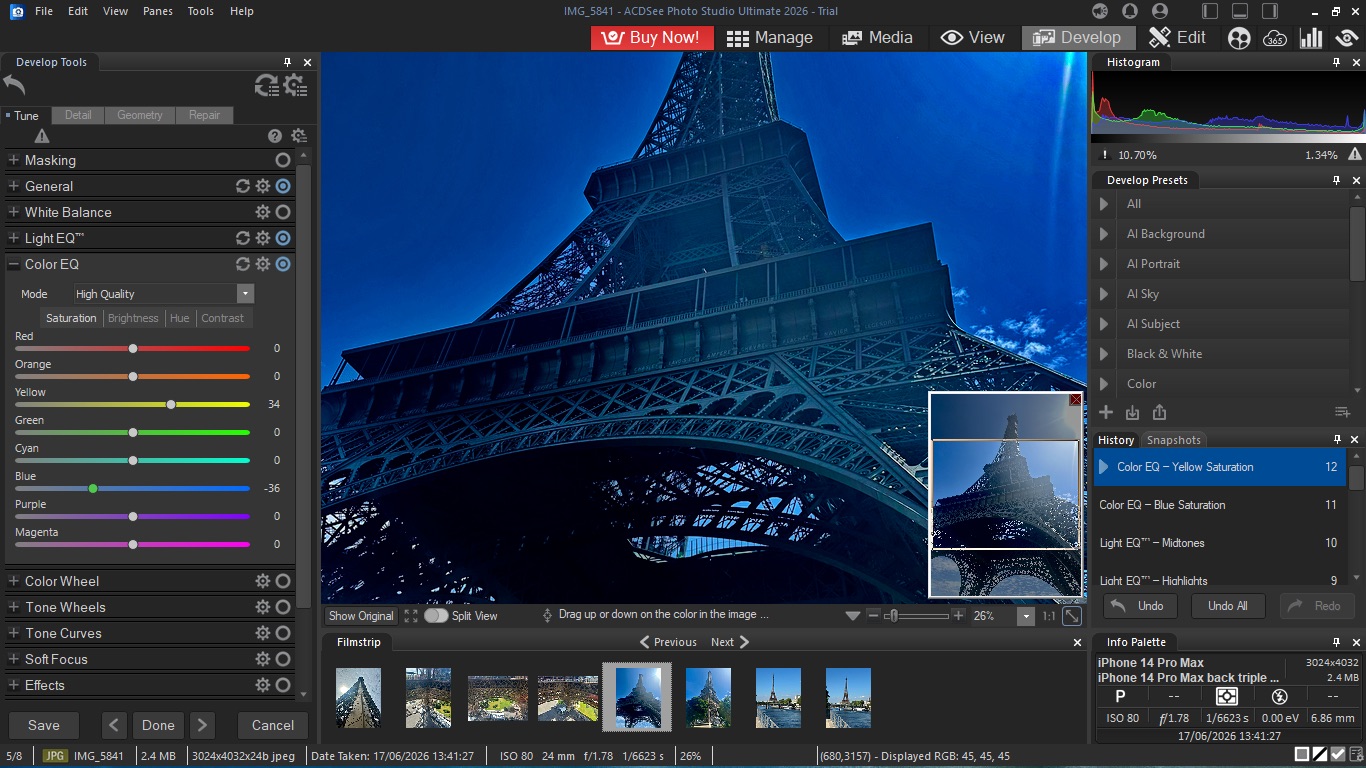
All alterations are non-destructive, and range from the basic yet detailed color correction to more advanced features. That includes reducing noise, tuning skin tone, or applying masks with either the Brush, Gradient, Luminance, and color Range tools. You’ll also be able to correct lens distortion, correct red eye or other blemishes too.
One feature I particularly liked is the ability to save Snapshots of your work as you go, allowing you to go back to any saved state at any time, and going in a different direction from there.
‘Edit’ is where you’ll find the more Photoshop-like tools. We all know how gargantuan Photoshop is, and ACDSee’s product doesn’t go anywhere near that level of complexity.
But what’s included enriches the portfolio of available features greatly. You’ll be able to apply edits to specific areas, or even add objects, like circles and arrows, to your image, as well as be able to work with multiple layers.
- Tools: 4.5 / 5
ACDSee Photo Studio Ultimate 2026: AI
- AI tools work well
- But they were slow in my experience
Now these days, an image editing software package wouldn’t be worth its salt without some AI-branded tools, and so Photo Studio Ultimate has you covered on that front as well. Some of the new features for the 2026 version, include AI Denoise, Hair Masking, Face Edit and a few Presets available in the ‘Develop’ section.
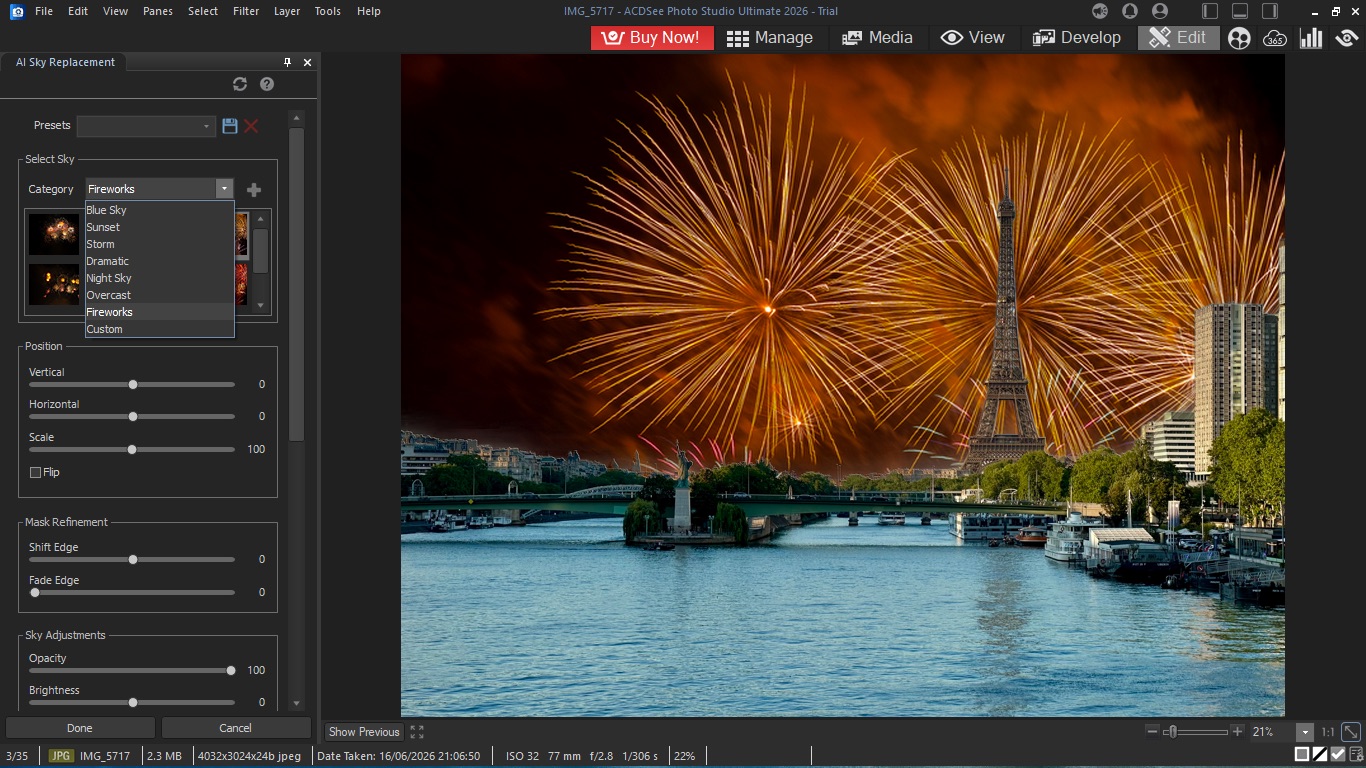
And let’s not forget those that were already available, such as AI Sky Replacement, which does exactly what it says on the tin, and comes with a wealth of different skies for different feels, such as blue sky, sunset, storm, and more.
In my experience, these worked very well, although the newest AI tools felt like they took forever to do their job, but that might be more due to the age of my trusty PC than anything else.
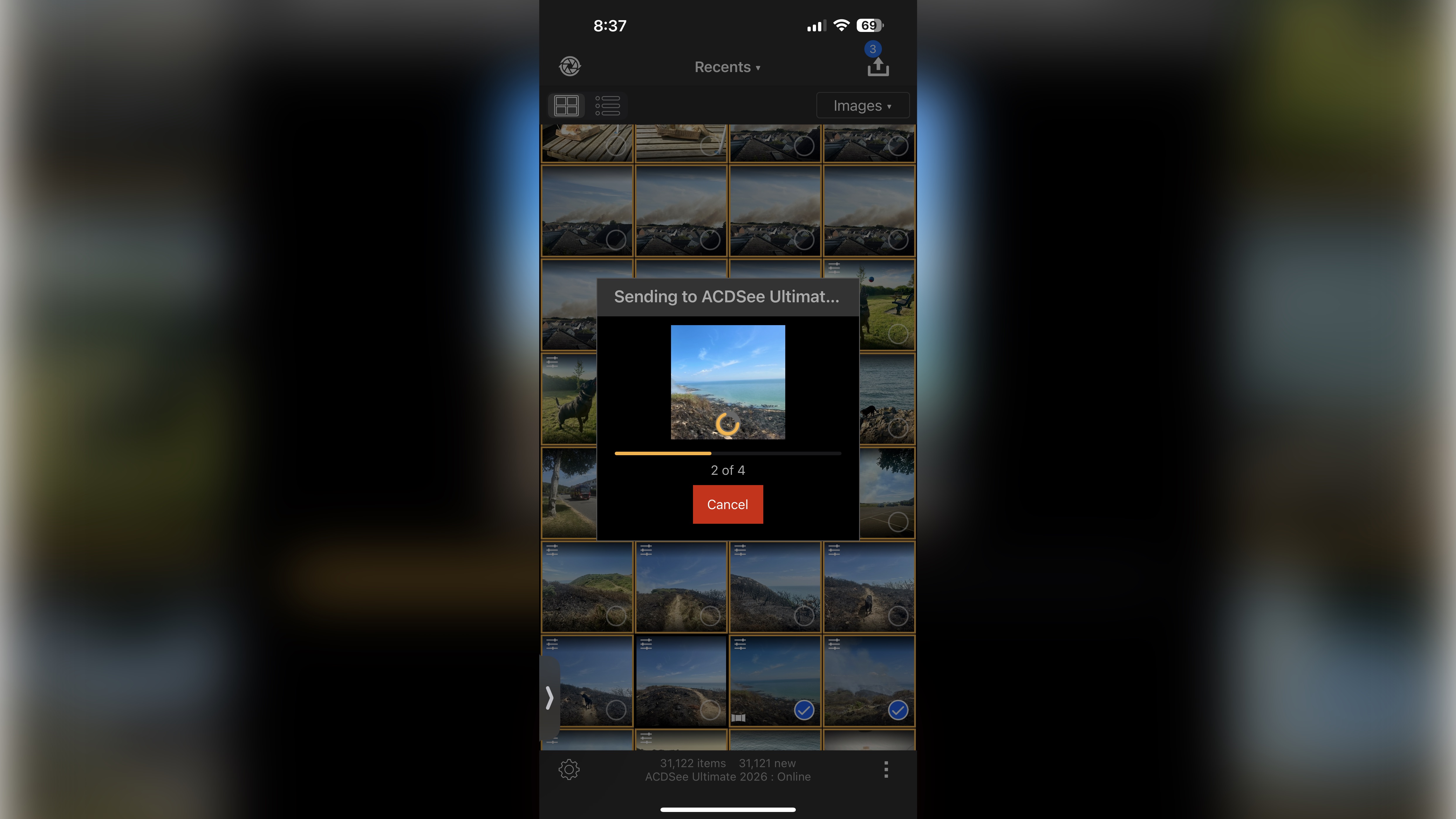
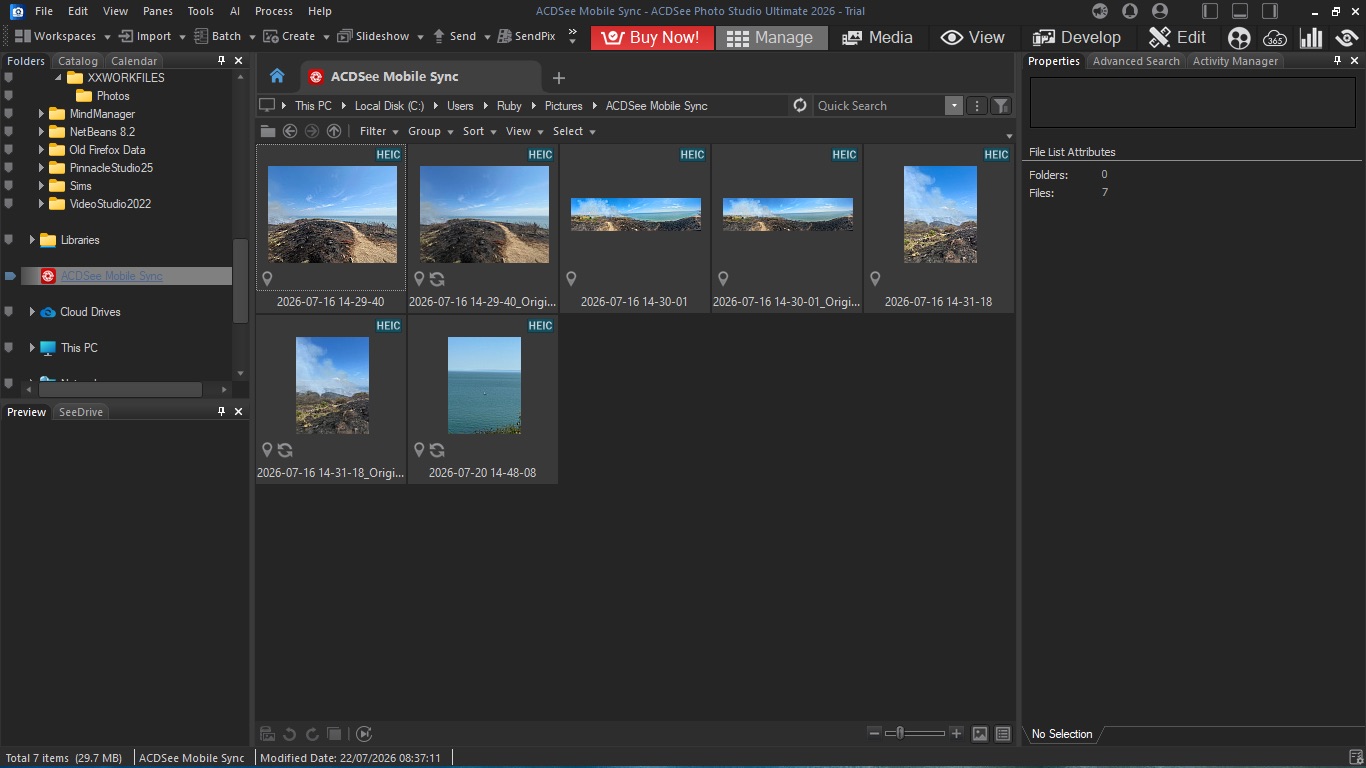
There’s one last thing I’d like to mention: ACDSee has a mobile app known as ‘ACDSee Mobile Sync’. With it, you can link your phone to your copy of Photo Studio Ultimate, to transfer files from your device to your computer.
Once the very simple setup was done, moving files over was essentially effortless, and an excellent companion to an app stuffed to the gills with features.
- AI: 4 / 5
Should I buy ACDSee Photo Studio Ultimate 2026?
Buy it if...
You’re on the lookout for a photo editing app crammed with features, including a sprinkling of very useful and powerful Photoshop-like tools, and a useful assortment of AI.
Don't buy it if...
What comes bundled with your computer is sufficient for your needs, or you are wedded to Adobe’s subscription plans, or you own something other than a Windows PC.
For more creative tools, we tested the best photo editors.




